Two Creative Formats For Custom Products
🎁 Two ad formats for personalized gifts, then meet OpenAI's always-on agent, dot

Hello Readers 🥰
Welcome to today's edition, bringing the latest growth stories fresh to your inbox.
If your pal sent this to you, then subscribe to be the savviest marketer in the room😉
In Partnership with Notion
The Hidden ROI of a Clean Workspace
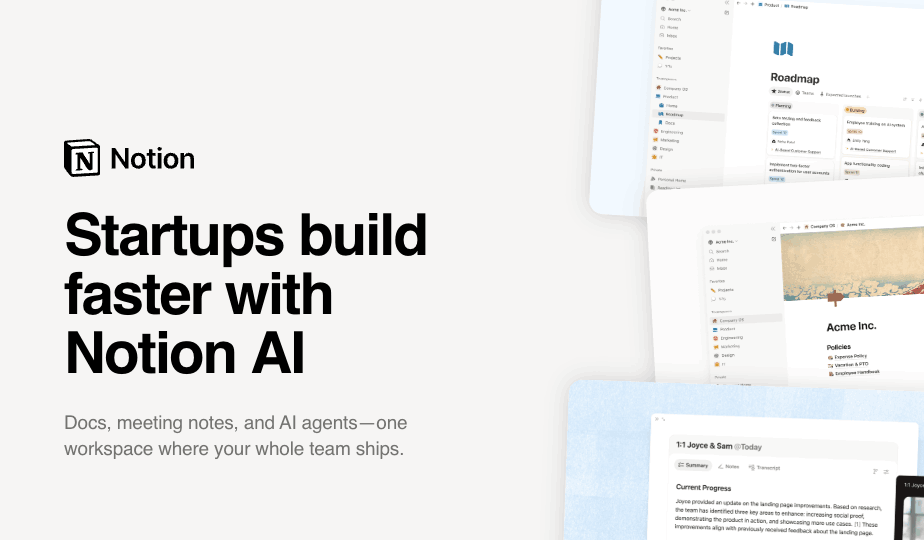
Founders usually look for ROI in obvious places: ad spend, hiring, software costs, or sales performance. But one of the highest-leverage investments is often harder to see on a balance sheet: operational clarity.
When a company’s internal workspace is messy, the cost shows up through duplicate work, slower decisions, missed handoffs, lost context, and founder time spent chasing information. Even small improvements can create meaningful returns.
If a 10-person team saves just 20 minutes per person each day by reducing searching, re-asking, and rebuilding work, that adds up to more than 30 hours recovered every week.
For an early-stage company, that is nearly the equivalent of adding another full workweek of capacity without increasing headcount.
A clean workspace also reduces risk. Decisions are easier to audit, customer and contract details are easier to preserve, onboarding becomes more consistent, and AI becomes more useful because it has better structured knowledge to work with.
AI does not replace good systems. It compounds them. The more organized the workspace, the more value founders can unlock from automation, search, summaries, and knowledge management. Turn operational clarity into a competitive advantage.
Try Notion today and get up to 3 months free of Notion Business with Notion AI
🐶 Two Ways to Sell Custom Products This Q4
Want to turn personalized gifts into your best-performing holiday ads? Custom products are one of the biggest opportunities of Q4, and customers already show you what matters to them through the photos, names, and drawings they choose. Whether you sell apparel, jewelry, or gifts, you can turn those choices into creative that other shoppers instantly recognize.
Steps to Create Custom Product Ads:
1️⃣ Try the Custom Product iPhone Shot
This lo-fi format works well for brands with an organic creative mix. Threadheads shows a dog next to the finished shirt, which gives viewers an instant reason to stop and look. Learn why customers customize, whether for gifting, showing off a pet, or big life events, and speak to those reasons directly.
2️⃣ Show the Inspiration Next to the Product
Place the pet, person, or photo behind the design in the same frame as the finished item. It answers "what is this?" at a glance. Keep it simple and skip the text overlay so the ad looks like a fun photo someone shared.
3️⃣ Use Custom Charm Branded Statics
Italian Charms features children's drawings on charms, so parents and grandparents recognize themselves without the copy naming them. Reuse one promising layout for different audiences, such as parents, grandparents, and young girls.
4️⃣ Swap the Customizations and Repeat the Offer
Keep the same frame and change only the custom items, like grandparent photos, sonograms, children's art, or QR codes. If you run a discount, place it in the primary text, on the image, and in the headline.
The Takeaway
Your customers' customization choices are a built-in source of creative ideas. Keep formats simple, match them to real buying reasons, and reuse winning layouts across audiences. Dive in and turn personal touches into holiday sales like never before!
🔵 Get Started with ChatGPT dot, OpenAI's New Agent
Want an AI agent that prepares your morning work brief before you even sit down? ChatGPT dot, OpenAI's new always-on agent, makes it simple. It is currently rolling out to paid Pro and Business Premium users. Whether you manage projects, teams, or daily deadlines, you can set it up in minutes.
Steps to Set Up ChatGPT dot:
1️⃣ Open the Desktop or Web App
Open ChatGPT on desktop or the web and follow the dot setup. You cannot create a dot on mobile. Leave local computer access off for your first test.
2️⃣ Set Safe Rules
In the mobile app, open Customize, then Custom rules, and select Ask before taking action. Keep sending, publishing, and purchases outside the task.
3️⃣ Attach Notes and Prompt
Use the plus button to attach project notes, then prompt: "Use only [FILE] to prepare a morning project brief. Cite the source for each fact. Reply here only."
4️⃣ Check and Schedule
Verify owners, dates, and anything it cannot confirm. Once a one-off brief passes, ask for a weekday brief at 8:30 AM and manage it under Scheduled.
The Takeaway
ChatGPT dot turns scattered project notes into a clear daily brief, as long as you start with safe settings and check the facts. Whether you lead a team or manage solo work, it is a smart way to start each day. Dive in and try dot today to simplify your mornings like never before!
We'd love to hear your feedback on today's issue! Simply reply to this email and share your thoughts on how we can improve our content and format.
Have a great day, and we'll be back again with more such content 😍