The Streak Trick That Sells
🔥 Use the hot hand effect to sell more, then design posters with AI

Hello Readers 🥰
Welcome to today's edition, bringing the latest growth stories fresh to your inbox.
If your pal sent this to you, then subscribe to be the savviest marketer in the room😉
In Partnership with Insense
Your ad account doesn’t need UGC fast. It needs content every week.
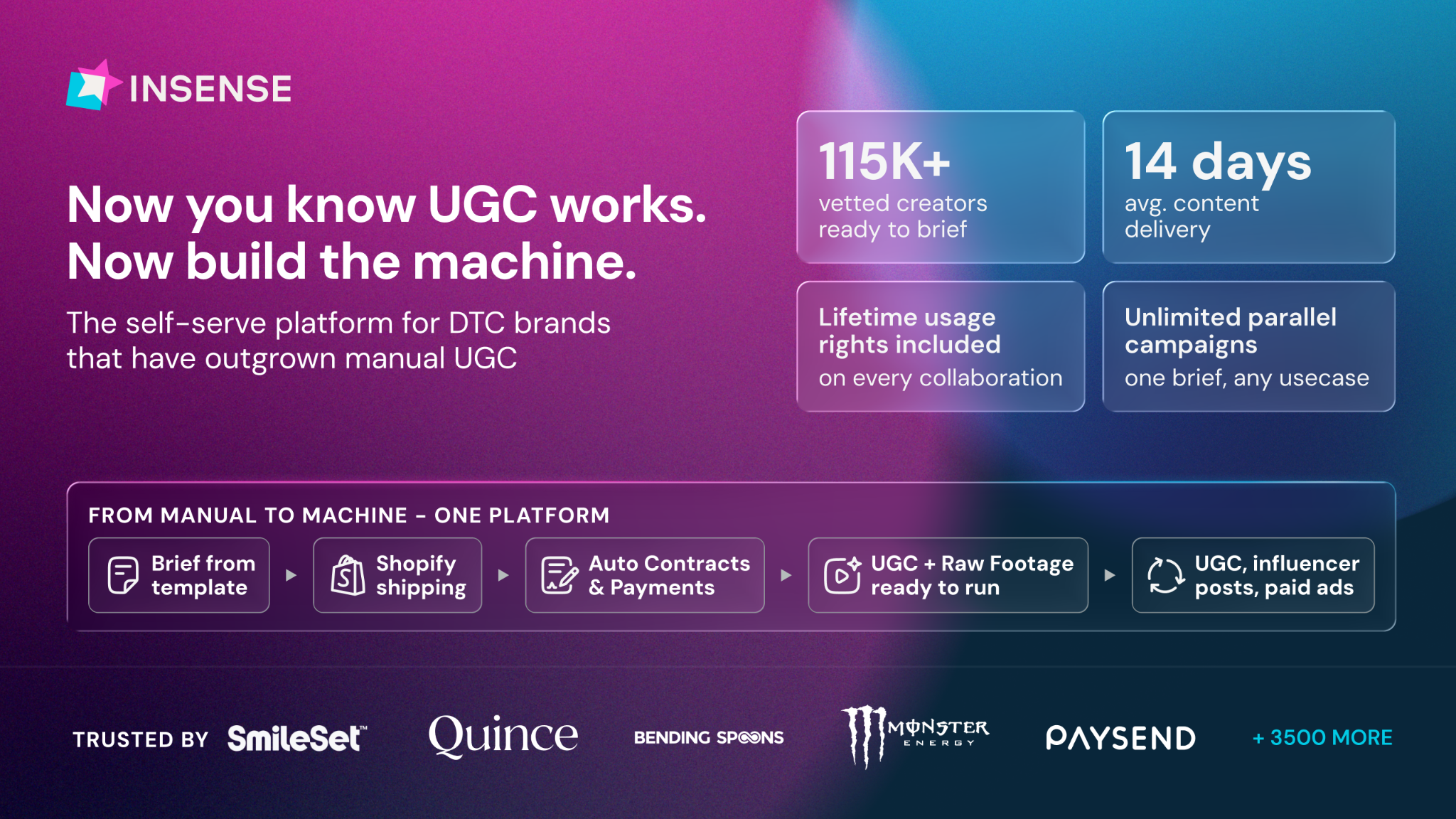
Most brands stall between batches, when the last round of creative is spent and the next one isn’t ready.
Since Meta’s Andromeda update, the algorithm rewards new concepts and new faces. A batch of 16 videos exhausts in weeks, and then it’s another round of briefs, outreach, and chasing.
Insense turns creator content into a monthly flow:
- Brief once, then rehire the creators whose ads performed
- Get 20+ raw clips per creator to cut into new hooks and angles
- Build a roster of vetted creators you can book every month
- Keep lifetime usage rights on everything
Book a free strategy call by November 6th and get $200 toward your first campaign.
P.S. Q5 rewards brands that keep fresh creative coming after the Black Friday rush. Go in with a cadence, not a single shoot.
🧠 Use the Hot Hand Effect to Sell More
Want customers to feel confident about buying from you? Psychology offers a powerful clue. People tend to believe a player is more likely to score again after a hit than after a miss. Researchers who studied detailed basketball shooting records found little evidence for this, yet the belief remains strong. Some newer research suggests hot hands may be real in certain settings, like baseball. Either way, people spot streaks and assume they will continue.
Steps to Apply the Hot Hand Effect in Your Marketing:
1️⃣ Show a Track Record
Highlight a long run of wins instead of a dense company history. A decade of outperforming peers, for example, makes a nervous buyer think the streak will surely continue, so choosing you feels like a smart decision rather than a gamble.
2️⃣ Use Streak Counters in Email
Send progress reports that show an active streak and standout stats. When users see they have been consistent for over 140 weeks and are far more productive than others, they feel on a roll and want to keep the streak alive.
3️⃣ Display a Streak of Customer Wins
Place recognizable customer logos near the top of your homepage. One impressive customer could be a fluke, but a wall of respected names shows a clear pattern. Visitors think, "This is clearly a winning choice."
4️⃣ Help Customers Feel Like Winners
Make buyers see their purchase as a win. Celebrate milestones, share results, and remind them of progress so they keep using and loving your product.
The Takeaway
Our brains are wired to see winning streaks and assume they will continue, even when outcomes are random. Marketers who showcase momentum, from company track records to customer success, build trust and make the next step feel easy.
🎨 Turn a Prompt into a Poster with an AI Image Model
Want a polished event poster without starting from a blank canvas? A new AI image model makes it simple to turn a short brief into finished artwork. Whether for a workshop, a launch, or a community event, you can generate a design and keep the key details fully editable.
Steps to Create a Poster from a Prompt:
1️⃣ Open the Image Generator
Open your design platform's AI image tool and choose the new model. Pick a portrait layout and check your AI allowance before you generate anything.
2️⃣ Paste Your Brief
Write a clear prompt that asks for a bold headline and blank space for event details. Once the image appears, check the headline very closely, since AI often struggles with spelling in text.
3️⃣ Use a Backup Plan for Text
If the headline is still wrong after one revision, generate the artwork without any text. Then add the heading yourself so the final wording is exactly right.
4️⃣ Add Editable Event Details
Open the image in your editor and add the date, time, and venue as regular text boxes. Use the layer separation feature only if you need to edit words or objects inside the generated image.
5️⃣ Make a Square Version and Check Everything
Create a square version for social media without rebuilding the artwork. Update the event date in both designs, then review the downloaded files for spelling, cropping, and correct details.
The Takeaway
AI image models speed up poster design, but smart workflows keep you in control. By generating the artwork once and keeping details editable, you can adapt quickly to changes and avoid costly mistakes.
We'd love to hear your feedback on today's issue! Simply reply to this email and share your thoughts on how we can improve our content and format.
Have a great day, and we'll be back again with more such content 😍