Text Like A Brain Whisperer
💬 Use SMS psychology to sell more, then create editable AI graphics without regenerating

Hello Readers 🥰
Welcome to today's edition, bringing the latest growth stories fresh to your inbox.
If your pal sent this to you, then subscribe to be the savviest marketer in the room😉
In Partnership with Notion
The Hidden ROI of a Clean Workspace
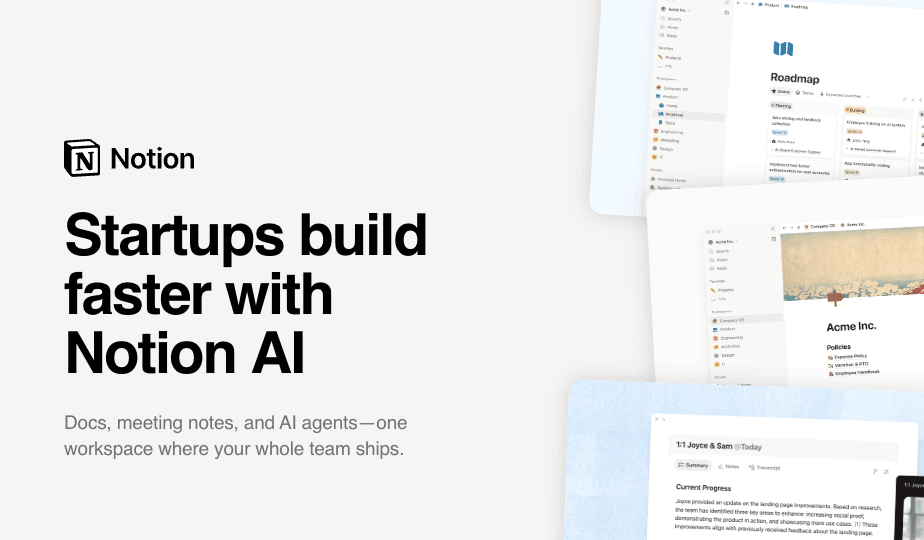
Founders usually look for ROI in obvious places: ad spend, hiring, software costs, or sales performance. But one of the highest-leverage investments is often harder to see on a balance sheet: operational clarity.
When a company’s internal workspace is messy, the cost shows up through duplicate work, slower decisions, missed handoffs, lost context, and founder time spent chasing information.
Even small improvements can create meaningful returns.
If a 10-person team saves just 20 minutes per person each day by reducing searching, re-asking, and rebuilding work, that adds up to more than 30 hours recovered every week.
For an early-stage company, that is nearly the equivalent of adding another full workweek of capacity without increasing headcount. A clean workspace also reduces risk.
Decisions are easier to audit, customer and contract details are easier to preserve, onboarding becomes more consistent, and AI becomes more useful because it has better structured knowledge to work with.
AI does not replace good systems. It compounds them. The more organized the workspace, the more value founders can unlock from automation, search, summaries, and knowledge management.
Turn operational clarity into a competitive advantage.
Try Notion today and get up to 3 months free of Notion Business with Notion AI
📱 Why SMS Marketing Works on the Brain
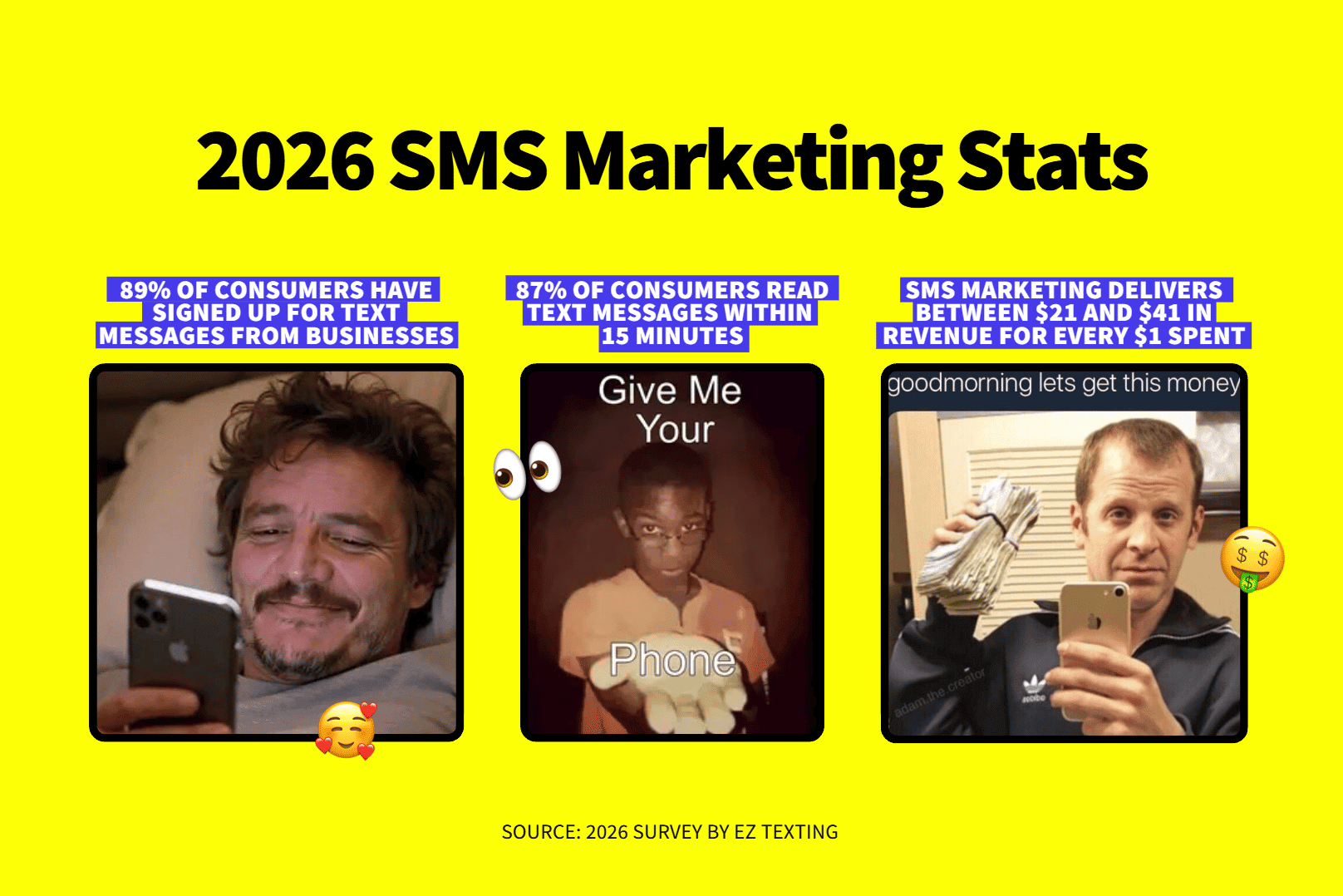
Receiving a text starts a dopamine loop in your brain. That rush of feel-good chemicals is why the ding of a new message can make you reach for your phone before you even realize it. Texts feel personal, and when done well, SMS marketing can deepen brand love and drive more sales. Done poorly, it can backfire. Annoy people and they will opt out of your texts and stop buying your products too.
Steps to Apply SMS Psychology to Sell More:
1️⃣ Craft a Welcome Message That Wins
First impressions count, and a positive experience in one area shapes how people judge your competence everywhere else. Behavioral scientists call this the Halo Effect. Your first text should show your brand personality and deliver value right away, like a promo code or exclusive access. Do not teach buyers to expect spam.
2️⃣ Personalize with the Recipient’s Name
Your brain perks up at your own name more than any other word. A Stanford study found that adding a name to an email subject line increased the likelihood of an open by 20% and sales leads by 31%. Since texting already feels personal, pair the name with an offer like a discount.
3️⃣ Nudge with Abandoned Cart Messages
Abandoned carts hurt, especially after you worked hard to bring shoppers to your site. Send a special offer by text and make it an expiring discount, so buyers act fast or risk losing it.
The Takeaway
Your phone is probably within reach right now, and so are your buyers’ phones. Use SMS to create moments of delight, make customers feel special, and remind them when their favorite products are available. Start texting smarter today and turn every message into a moment worth opening!
🎨 Make Editable AI Artwork with Arrow 2
Need AI artwork you can actually edit after it is generated? Arrow 2 makes it simple with its advanced AI capabilities. In this guide, you will create a three-part graphic for a client proposal, refine one scene, add editable headings, and change a color without generating the artwork again. Whether for client proposals, presentations, or marketing visuals, you can fix details in minutes.
Steps to Create an Editable Graphic Using Arrow 2:
1️⃣ Set Up Your Tools
Open QuiverAI, select Arrow 2, and confirm your plan includes SVG export. Install Inkscape for the final text and color changes.
2️⃣ Generate Your Three Part Graphic
Paste the guide’s brief to draw a folder, review board, and laptop in one matching style. Leave space for the title and headings.
3️⃣ Refine One Scene
Ask Arrow to replace one badge with speech bubbles. Compare the result with the original and check that the other scenes stay intact.
4️⃣ Edit in Inkscape
Download the SVG and open it in Inkscape. Add the headings, then change the middle label and one screen color directly.
5️⃣ Save and Export
Save the editable master and export a high resolution PNG. Reopen both files and check the words, colors, and dimensions before sharing.
The Takeaway
Arrow 2 turns AI artwork into something you can truly control, with minimal effort. Instead of regenerating images every time a detail changes, you keep an editable master file ready for quick updates. Dive in and create your first editable graphic today to impress your clients like never before!
We'd love to hear your feedback on today's issue! Simply reply to this email and share your thoughts on how we can improve our content and format.
Have a great day, and we'll be back again with more such content 😍