Exclude Buyers Before Holiday Rush
🎯 Make every holiday impression count with updated lists, then build social clips from one interview

Hello Readers 🥰
Welcome to today's edition, bringing the latest growth stories fresh to your inbox.
If your pal sent this to you, then subscribe to be the savviest marketer in the room😉
In Partnership with AirOps
See what competitors are advertising in ChatGPT
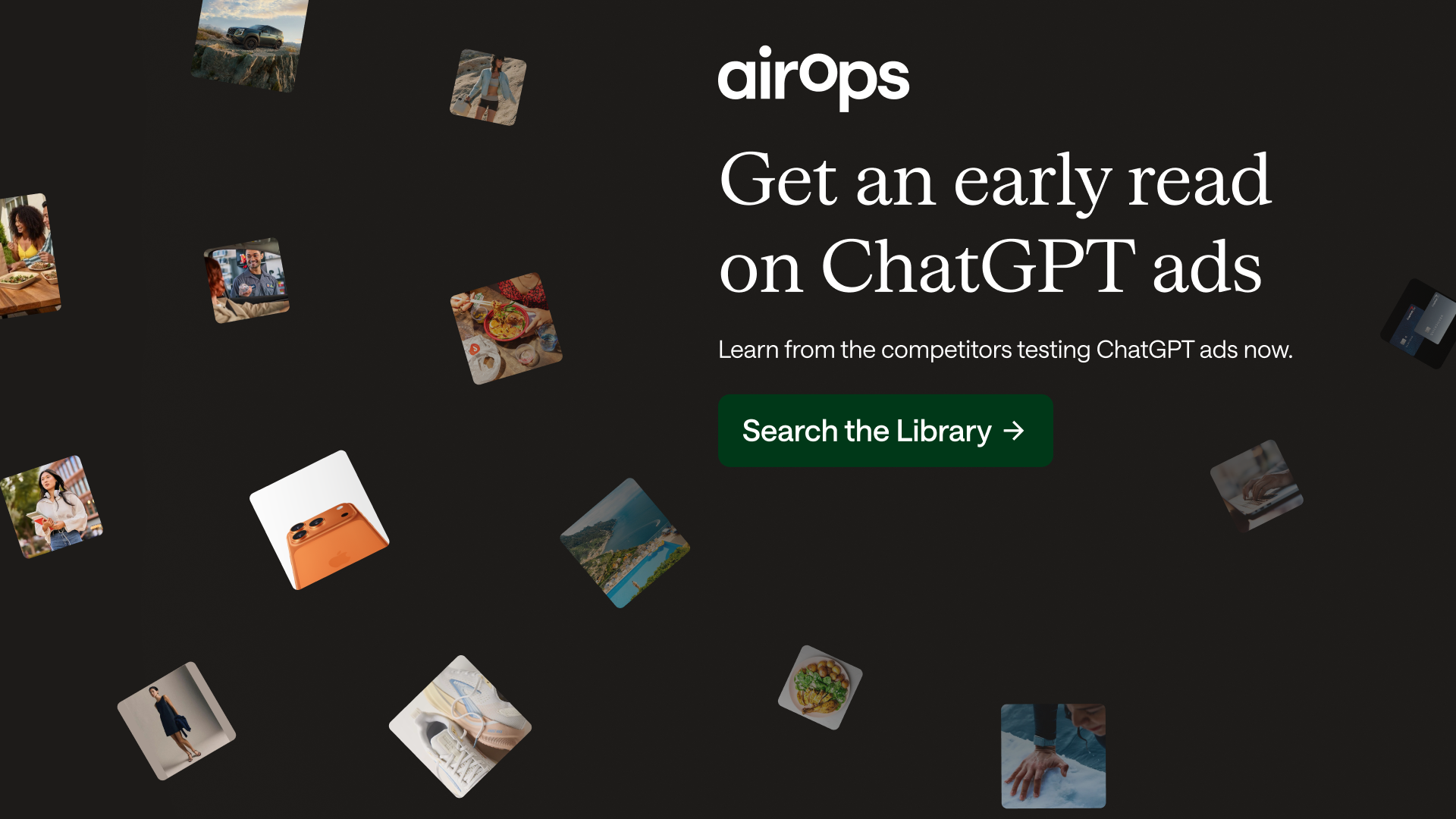
Planning a ChatGPT ads test? Seeing what other brands are running gives you a clearer starting point for deciding what’s worth your budget.
The AirOps ChatGPT Ad Library lists 6,000+ brands. Search by brand name or domain to see competitor ad messaging, then explore the prompts where those ads appeared to understand the conversations behind the creative.
Bring those examples into your next campaign discussion. Use them to choose a messaging angle worth testing and explain why that test deserves a budget.
You’ll have real ads to reference when your team asks what you want to run and why.
Before your next campaign brief gets locked, see what’s already out there.
🔄 Refresh Your Customer Lists Before Black Friday
A manually uploaded customer list will not know who bought on Black Friday unless you refresh it. That can mean paying to promote something shoppers already own, showing a discount right after they bought, or sending a “we miss you” message to someone who just returned. Before holiday traffic picks up, check whether your audiences reflect what customers are doing now.
Steps to Refresh Your Audiences:
1️⃣ Update Purchaser Exclusions
Add recent buyers to relevant exclusions. Choose a window based on your product’s repurchase cycle, and keep useful cross-sell offers separate.
2️⃣ Clean Your Retargeting Audiences
Remove converted shoppers from campaigns promoting the purchase they just completed.
3️⃣ Review Your Lookalike Seeds
Look at customer quality alongside recency. Purchase value and repeat behavior can help you choose a stronger seed.
4️⃣ Refresh Lapsed Customer Lists
Remove shoppers who have returned so your re-engagement campaigns stay relevant.
5️⃣ Respect Advertising Permissions
Update audience membership when customers withdraw permissions. An email unsubscribe and an advertising opt-out are not always the same instruction.
The Takeaway
You do not need to exclude every customer from every campaign. The goal is to match the next message to their latest purchase, whether that means giving them breathing room or showing a relevant second product. Refresh your lists today and make every holiday impression count!
🎬 Turn One Interview into Two Captioned Clips with Riverside
Want to create social ready video clips without filming anything new? Riverside makes it simple with its new AI agents. In this guide, you will turn a licensed interview into two captioned videos, choose the most useful moments, check the edits, and prepare post drafts. Whether for marketing, podcasts, or content creation, you can repurpose one conversation in minutes.
Steps to Create Interview Clips Using Riverside:
1️⃣ Prepare Your Interview
Download the guide’s openly licensed interview and save its credit. Make an MP4 copy and upload it to a Riverside practice project.
2️⃣ Find Your Best Moments
Ask Clipper for short passages that make sense on their own. Watch the surrounding interview before choosing your two clips.
3️⃣ Build a Vertical Layout
Ask Editor for a matching vertical layout. Keep the full picture visible and leave space for captions and the source label.
4️⃣ Check Captions and Draft Posts
Compare the captions against the speech, then ask Marketer for two short post drafts. Keep the interview’s date and full credit with each one.
5️⃣ Export and Review
Export both clips and watch the saved files. Check the framing, sound, words, and ending before handing them off.
The Takeaway
Riverside makes it easy to turn a single interview into multiple polished clips with minimal effort. Instead of filming new content, you can repurpose what you already have and keep every credit intact. Dive in and create your first clips today to grow your audience like never before!
We'd love to hear your feedback on today's issue! Simply reply to this email and share your thoughts on how we can improve our content and format.
Have a great day, and we'll be back again with more such content 😍