Why Static Grids Still Win
🖼️ Static creatives are outperforming video, and how to sound less like AI

Hello Readers 🥰
Welcome to today's edition, bringing the latest growth stories fresh to your inbox.
If your pal sent this to you, then subscribe to be the savviest marketer in the room😉
In Partnership with Notion
Stop Being the Human Glue: Build a Company OS in Notion
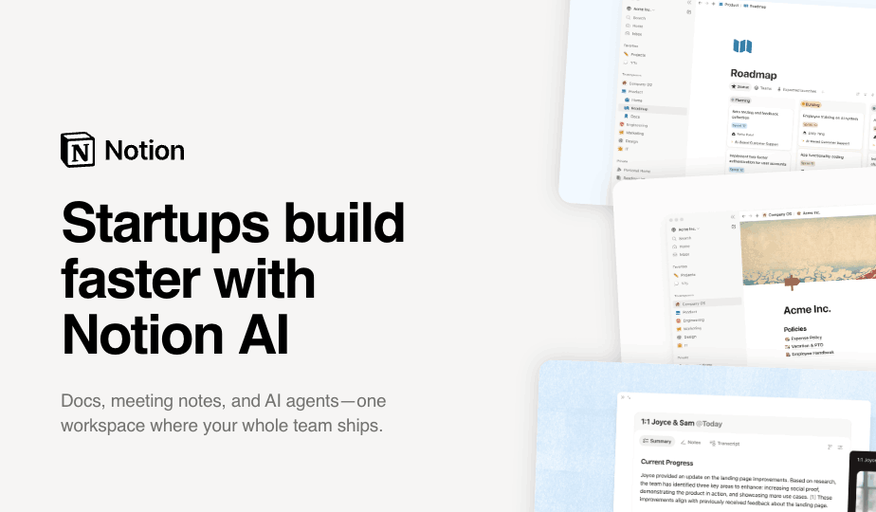
In the beginning, the founder often is the system. They answer every question, approve every decision, remember every customer detail, and connect every moving part.
That level of involvement may feel necessary early on, but over time it turns the founder into the company’s biggest bottleneck.
A lightweight company operating system helps replace constant interruptions with shared context. Instead of asking where the latest deck lives, what was decided in last week’s meeting, or who owns a launch, the team can self-serve from one central workspace.
Weekly priorities, project owners, meeting notes, onboarding resources, customer context, and key decisions all have a clear home.
The result is not just better organization. It is more autonomy. When the team knows where to find information and how work moves forward, founders spend less time repeating themselves and more time making high-leverage decisions.
A clear operating system gives early-stage companies the structure they need without slowing them down.
Spend less time answering repeat questions and more time building.
Try Notion today and get up to 3 months free of Notion Business with Notion AI.
📝 Grid Creatives That Scale and Drive Strong Results
Video and CGC get most of the spotlight, but a simple static ad can still scale aggressively on Meta. Statics communicate a message or value prop instantly, without asking users to watch anything for more than three seconds. With attention spans shrinking and video CPMs climbing, a basic static grid can outperform when video fatigue sets in. Here's how to build grids that convert:
1️⃣ Lean into high contrast
Feeds are crowded with polished, scroll-past content. Scrappy, UGC-style images paired with bold, bright copy break the pattern and stop the scroll. Minimalist brands achieve the same effect with simple black text on a white background, standing out through simplicity rather than noise.
2️⃣ Stick to a single USP
Choose one USP or common customer objection and build the entire creative around it. Resist the urge to explain the whole brand in a single image. Bold, oversized text calling out one clear benefit, like an all-day comfort claim, works far better than a crowded message. If users can't grasp what's being sold within a second, they won't stop scrolling.
3️⃣ Test it as a GIF
Turning static images into a GIF adds motion and can boost performance. Cycle through different product shots or swap USPs across panels to break up the grid's single-message format. This approach is especially useful when showcasing multiple restocked SKUs without cluttering the design.
The Takeaway
Static grid ads remain one of the most efficient ways to scale on Meta, especially as video costs rise. High contrast, a single clear USP, and simple motion tests through GIFs can help creatives break the scroll and convert faster, all without the production lift that video demands.
🗣️ How to Set Up ChatGPT to Write in Your Voice
Want ChatGPT to sound less robotic and more like you? This guide walks through a simple setup that turns rough ideas into natural sounding drafts, cutting down hours of copy editing. Here's a step by step guide to get started:
Steps to Set Up ChatGPT to Write in Your Voice:
1️⃣ Turn On Humanize Writing
Open ChatGPT Work and head to Settings, then Plugins, then Skills. Enable Humanize Writing. Write a draft, then type slash humanize writing and compare the result against your original version.
2️⃣ Give ChatGPT a Test Exercise
Try a simple prompt like write me a memo about the history of the Moon. This gives you a baseline sample to test different writing methods against.
3️⃣ Add the Humanizer Skill
For a deeper level, open the terminal and run npx skills add blader slash humanizer global. Then apply slash humanizer on a fresh copy of the same draft and compare it with both previous versions.
4️⃣ Try Technical English Mode
Prompt ChatGPT to write in Technical English using ASD STE100 as a style reference. This often makes the copy more direct and easier to read.
The Takeaway
ChatGPT can be shaped into a writing partner that sounds like you, not a generic AI. By testing humanize writing, the humanizer skill, and Technical English mode side by side on the same draft, you can figure out which combination consistently produces the most natural, on brand results for your own writing style.
We'd love to hear your feedback on today's issue! Simply reply to this email and share your thoughts on how we can improve our content and format.
Have a great day, and we'll be back again with more such content 😍