Seven Psychology Checks Before BFCM
📊 Reduce Black Friday buying hesitation, then use Claude to check and clean Excel data

Hello Readers 🥰
Welcome to today's edition, bringing the latest growth stories fresh to your inbox.
If your pal sent this to you, then subscribe to be the savviest marketer in the room😉
In Partnership with New Engen
Your next winning ad needs a different voice
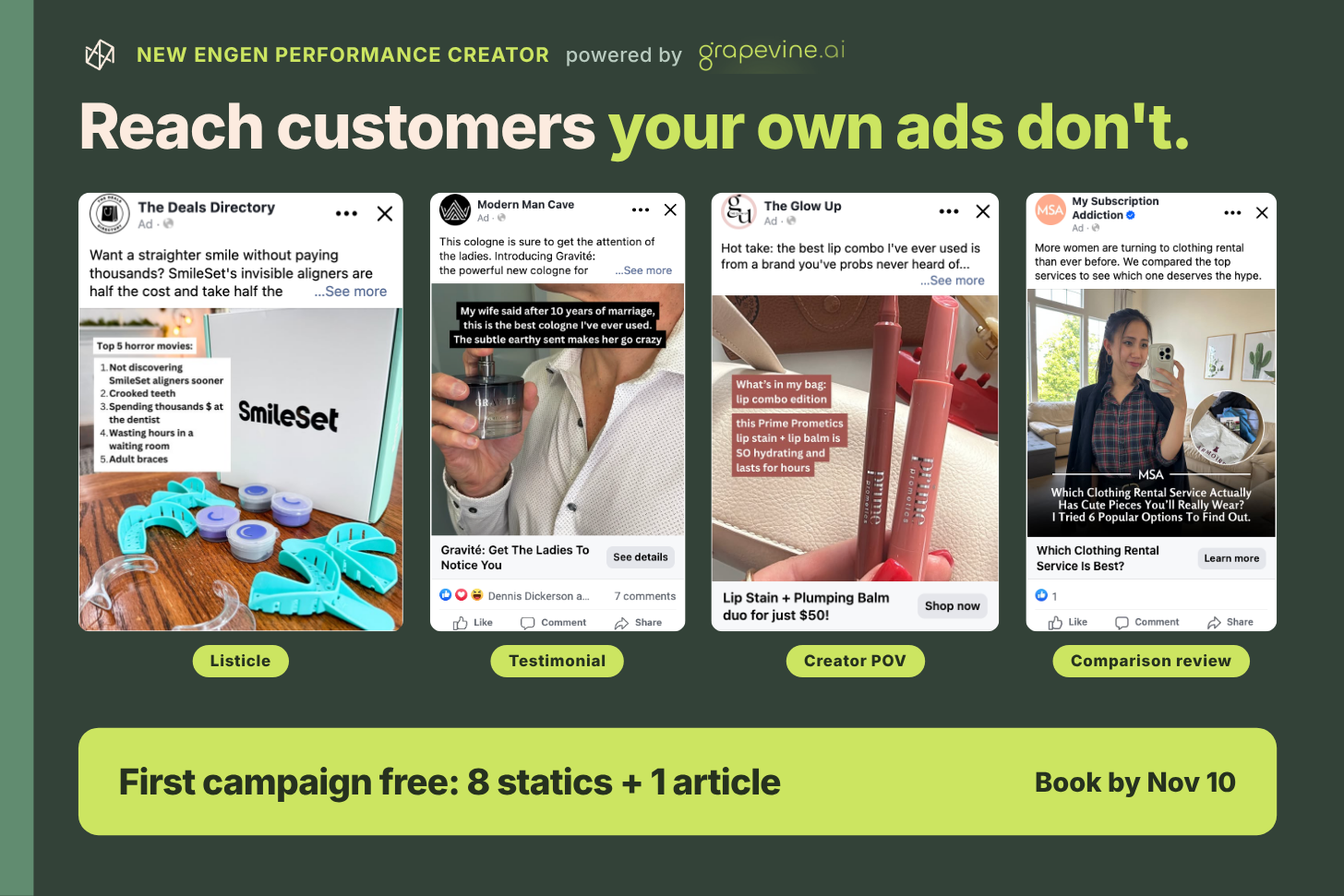
Your product solves a real problem. But when every ad makes a promise, buyers need a reason to believe yours.
A qualified expert explaining how it works can give them that reason.
Grapevine, now part of New Engen, creates ads delivered through creator and publisher handles with production managed from brief to launch.
You approve the angles and ship product. Grapevine sources creators, handles briefs and payments, then produces and posts the content.
- Madison Reed achieved 20% efficiencies over target CPA and 50% higher LTV.
- Mathnasium cut Meta CPL by 33% in under 30 days.
- Cirkul achieved 15-50% lower TikTok CPA and nearly doubled CTR through creator whitelisting.
Put this approach to work with your first campaign on Grapevine.
Kick off by November 30 and your first campaign is free: 8 statics and 1 article worth $1,500.
🧠 Use Customer Psychology to Improve Your Black Friday Pages
Preparing for Black Friday traffic? Your product pages need to make the offer easy to understand and relevant to customers. These seven psychology principles can help you sharpen your messaging, address hesitation, and give shoppers clearer reasons to buy.
Steps to Improve Your Black Friday Pages:
1️⃣ Lead With Clear Benefits:
Highlight what feels new, easy, safe, or fast about your offer. Where relevant, combine two of these benefits in your headline using claims you can support.
2️⃣ Connect With Customer Identity:
Show how your product fits the person customers want to be. Go beyond features to reflect their aspirations, such as being a parent who keeps up with their children.
3️⃣ Simplify the Buying Decision:
Remove confusing copy and unexpected costs. Explain guarantees clearly and highlight a genuinely popular bundle to help shoppers compare options.
4️⃣ Give Prices Useful Context:
Help customers understand value through genuine previous prices, premium alternatives, or the cost of other solutions. Keep comparisons accurate and relevant.
5️⃣ Describe the Problem Precisely:
Use recognizable situations and specific frustrations. Help readers see their experience reflected in your copy while keeping the message relevant to your core audience.
6️⃣ Explain the Root Cause:
Show why the problem happens and why previous approaches may have fallen short. Connect that explanation directly to how your product helps.
7️⃣ Revisit Important Pain Points:
Address the central problem at relevant moments throughout the page. Add useful context each time rather than repeating the same message or exaggerating discomfort.
The Takeaway
Before traffic peaks, review your busiest product page against these seven principles. Choose a clear weakness, improve the copy, and test the change. Persuasive pages make the problem recognizable, the value understandable, and the next step straightforward.
📊 Clean Up a Messy Excel Report with Claude
Looking to turn a messy sales export into a reliable report? Claude inside Excel can help identify data issues, correct formulas, and build summaries. The key is checking what changed and confirming that the finished report reflects your source data.
Steps to Clean Up an Excel Report Using Claude:
1️⃣ Set Up Your Workbook:
Install the official Claude add-in for Excel and open a copy of your workbook. Keep the original file available so you can compare results and recover information if needed.
2️⃣ Explain the Data and Request a Review:
Tell Claude what each row represents and which orders belong in the report. Ask it to identify duplicate rows, missing information, and formula mistakes before making changes.
3️⃣ Review and Approve the Fixes:
Ask Claude to prepare the proposed corrections on a separate sheet. Review them before applying changes. Preserve the original data and request a record of every adjustment, including excluded rows.
4️⃣ Build and Check Your Report:
Create a monthly summary with formulas and a chart. Compare the order count, refunds, and sales total against the source rows. Ask Claude to explain which records contribute to each calculation, then manually check a few examples.
5️⃣ Test Whether Everything Updates:
Add a test order and confirm that both the report and chart update correctly. Remove the test entry and check that the original totals return before saving your finished workbook.
The Takeaway
Claude can help organize spreadsheet cleanup and reporting, but a convincing chart does not guarantee accurate numbers. Define your counting rules, review the changes, and test the finished workbook. A useful report should be traceable to its source data and respond correctly when new information arrives.
We'd love to hear your feedback on today's issue! Simply reply to this email and share your thoughts on how we can improve our content and format.
Have a great day, and we'll be back again with more such content 😍