Turn Holiday Visitors Into Subscribers
🚀 Make Black Friday traffic last longer, then customize images through prompts in Google Pics

Hello Readers 🥰
Welcome to today's edition, bringing the latest growth stories fresh to your inbox.
If your pal sent this to you, then subscribe to be the savviest marketer in the room😉
In Partnership with AirOps
Could Your Reporting Get the Wrong Channel Cut?
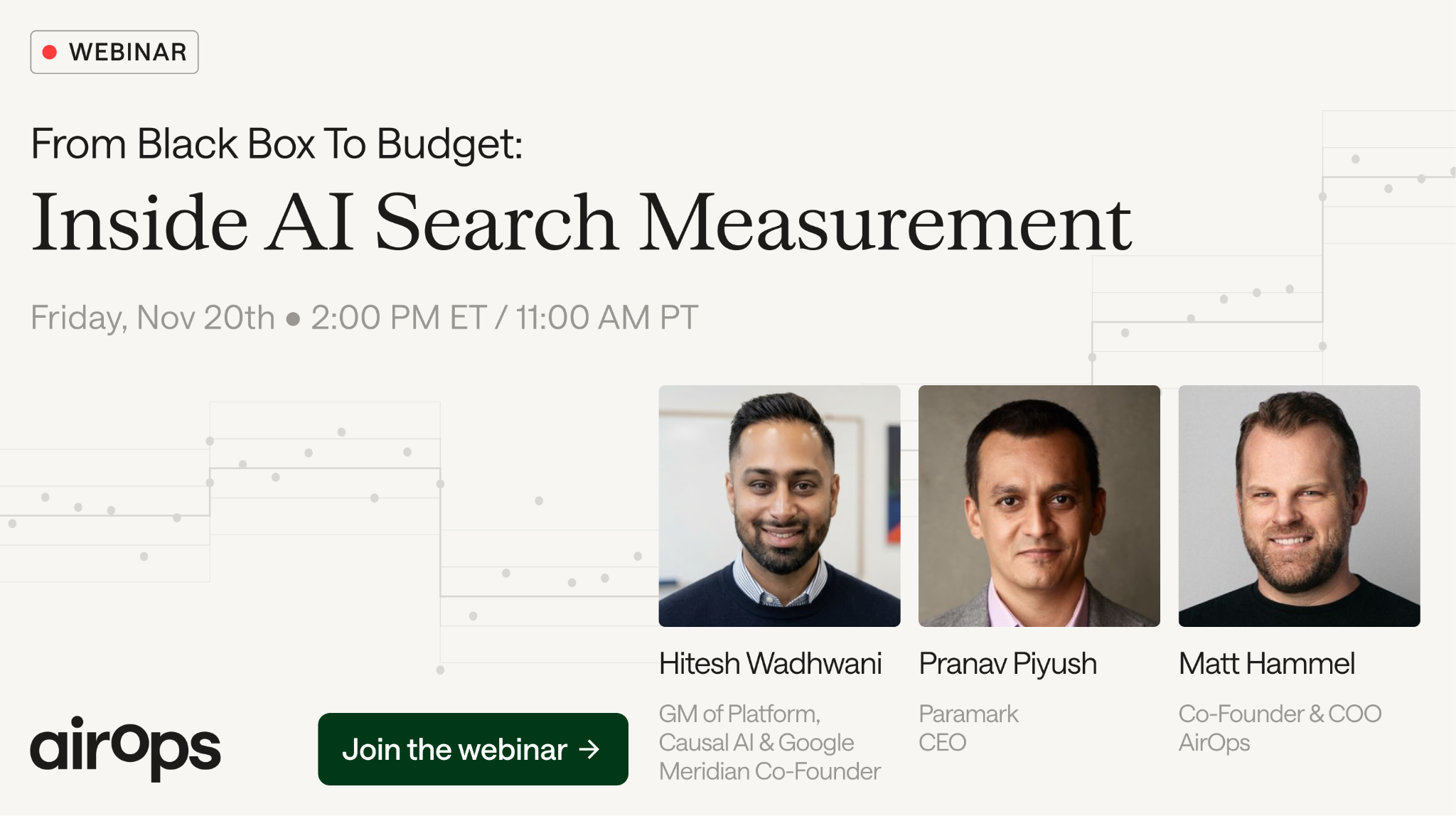
AI search could influence a buyer long before a sale shows up in your reports. If that influence goes uncredited, you could cut spending on a channel that’s helping customers choose you.
On November 20 at 2 PM ET, get inside the measurement work with Google Meridian creator Hitesh Wadhwani, Paramark CEO Pranav Piyush, and AirOps’ COO Matt Hammel.
They’ll break down the blind spots that could be steering your spend:
- Understand where AI search attribution falls short before treating low tracked results as a reason to cut.
- Learn the three requirements for credible measurement so you can spot what your provider’s reporting is missing.
- Explore how AI search fits into existing marketing mix models alongside the channels competing for your budget.
Take the gaps in your reporting back to your team before they become cuts in your budget.
Can't attend the session live? Register anyway, and you’ll get the recordings within 24 hours.
💡 Turn Black Friday Traffic Into Subscribers
Black Friday can deliver more than a weekend of revenue. Capturing visitor emails gives you an audience to reach after the discounts end. Interactive popups can encourage shoppers to subscribe while helping you learn what they want.
Steps to Build Your Black Friday Email List:
1️⃣ Choose an Interactive Format:
Test a scratch card, mystery gift, or quiz. Let visitors interact before asking them to subscribe. A quiz can recommend products while collecting preferences you can use to personalize future emails.
2️⃣ Keep the Signup Simple:
Ask for an email first. Make additional details, such as a phone number or birthday, separate steps. Explain the benefit of sharing each detail, and obtain consent before sending marketing texts.
3️⃣ Set Up Your Discount Delivery:
Use unique discount codes if your platform supports them to reduce sharing compared with a single public code. Deliver the reward through your welcome email so subscribers receive it alongside their first introduction to your brand.
4️⃣ Target and Test Your Forms:
Start with an early access signup before the sale, then introduce your promotional offer during Black Friday. Test different interactive formats using comparable audiences. Monitor form views, submissions, and signup rates, and check the mobile experience.
5️⃣ Build Your Welcome Sequence:
Send the promised reward in the first email. Follow with useful product information and recommendations based on the preferences collected. Give subscribers a reason to stay engaged beyond their initial discount.
The Takeaway
Black Friday traffic becomes more valuable when visitors give you permission to stay in touch. Build and test your signup experience before traffic peaks, then connect it to a welcome sequence that turns initial curiosity into an ongoing relationship.
📝 Create and Edit Images with Google Pics
Looking to create visuals and refine individual details without complex editing tools? Google Pics lets you generate images, select objects for targeted changes, and edit text using natural language. Whether for marketing, presentations, or social content, you can build and customize visuals through simple prompts.
Friendly reminder that Google has released Pics
— Paul Couvert (@itsPaulAi) November 3, 2026
You can generate any image but also EDIT ANY LAYER of it:
- Add your references
- Type your prompt
- Select any variant
- Click any element to edit
Basically photoshop but 10x simpler/faster using natural language.
And you can… pic.twitter.com/XgUz0bUVmM
Steps to Create and Edit Images Using Google Pics:
1️⃣ Open Google Pics:
Access Google Pics on your computer using an eligible Google Workspace or Google AI account. Start with a new image or upload an existing visual.
2️⃣ Add References and Your Prompt:
Add a reference image to guide your creation. Describe the subject, setting, colors, and composition you want. Clear instructions give the tool a more specific direction.
3️⃣ Select Your Preferred Variant:
Review the generated alternatives and choose the version that best matches your idea. Use it as the starting point for further adjustments.
4️⃣ Click an Element to Edit:
Select an object or area within the image and describe your change. For example, ask to add a rug or adjust a specific detail. You can queue several changes before applying them.
5️⃣ Refine Text and Review:
Click detected text to change its wording or styling. Apply your edits, inspect the result, and undo unwanted changes. Check the text and visual details before using your image.
The Takeaway
Google Pics combines image generation with targeted editing, helping you move from an idea to a customized visual. Generate a starting point, choose your preferred variation, and refine individual elements through natural language. Try it on your next graphic to explore a simpler creative workflow.
We'd love to hear your feedback on today's issue! Simply reply to this email and share your thoughts on how we can improve our content and format.
Have a great day, and we'll be back again with more such content 😍