Turn Specs Into Scroll Stoppers
💡 Turning boring specs into scroll-stopping ads, plus building websites with your voice

Hello Readers 🥰
Welcome to today's edition, bringing the latest growth stories fresh to your inbox.
If your pal sent this to you, then subscribe to be the savviest marketer in the room😉
In Partnership with Omnisend
They switched before Black Friday and made $113K
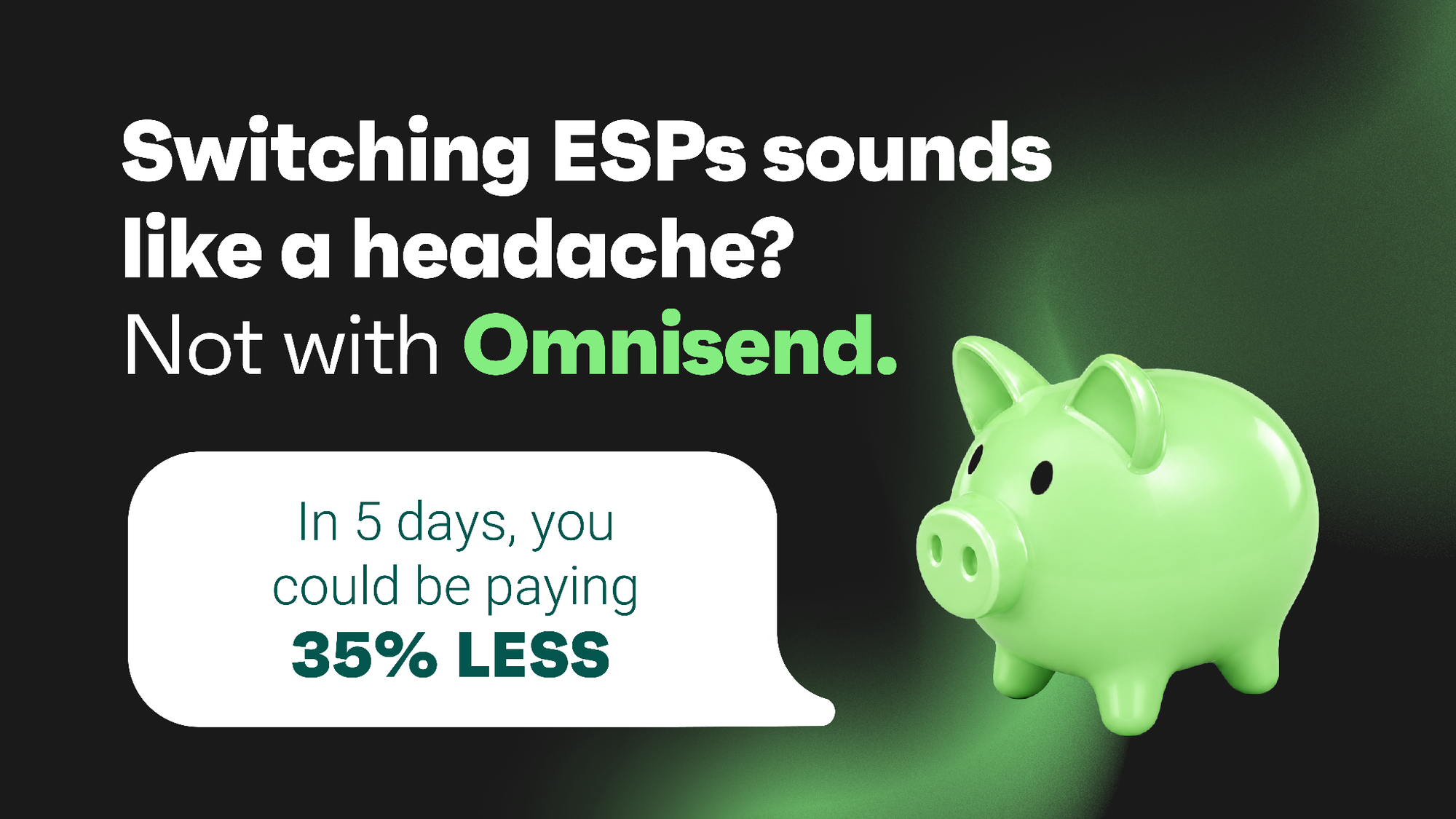
Weeks before BFCM, one broken flow can wipe out months of planned revenue. An overdue migration is harder to ignore when platform costs are already cutting into the season’s upside.
Ecom2Win moved a client from Klaviyo to Omnisend just before Black Friday. The migration took 24 hours, and its automations were rebuilt and checked within four days.
The switch gave the team:
- Up to 35% lower platform costs compared with Klaviyo.
- Free migration of automations, segments, forms, and templates within five business days.
- More room to grow, with Omnisend customers averaging $79 in revenue for every $1 spent.
The client generated more than $113K in attributed email revenue during its first Black Friday on Omnisend. Email produced 53% of total store revenue for the period.
The team entered BFCM with working flows and confidence that every send could earn.
Read Jocelyn’s full story to see how Ecom2Win switched without sacrificing peak-season revenue. Waiting could mean paying more during your most valuable sales period.
💡 Turning Technical Specs Into Scroll-Stopping Creative
Most technical specs live in a size guide or FAQ, not an ad. But two bedding brand examples show how putting specs front and center can turn dry product details into genuinely effective creative, one built as a top of funnel meme, the other as a middle and bottom of funnel comparison static. Here is how each format works and how to apply it.
How to Build Spec-Driven Creative:
1️⃣ Make the Feature the Punchline
When using humor to explain a technical benefit, do not bury the important detail inside the joke. Making the feature the actual punchline keeps it front and center and impossible for viewers to miss.
2️⃣ Match the Format to the Funnel Stage
Before deploying a meme style ad, consider how likely it is to drive an immediate conversion. For higher consideration, higher price products, send that traffic to a page offering more detail and an email capture incentive rather than expecting a direct purchase.
3️⃣ Use Comparisons for Warmed-Up Audiences
For a middle or bottom of funnel audience, an internal comparison between two similar products helps address choice paralysis. Neither option needs to appear superior, it just needs to help the shopper identify which one fits their personal preference.
4️⃣ Lean on Clean Visual Organization
Dense, informative creative can still work well if it is organized cleanly and paired with visuals that make it easy to absorb quickly, especially on mobile screens.
The Takeaway
Technical specs are often treated as background information, but reframing them as the centerpiece of an ad can make dry details genuinely compelling. Auditing your own product pages for a detail your team already explains often is a strong starting point for building it into your next top, middle, or bottom of funnel creative.
🗣️ Build a Website Hands-Free with Claude Voice
Looking to build a website prototype without typing out every detail yourself? Claude Voice makes it simple by letting you talk through your idea while Claude interviews you and builds a full plan. Whether for portfolios, landing pages, or mockups, you can go from a spoken concept to a working prototype quickly. Here is a step by step guide to get started.
Steps to Build a Website Using Claude Voice:
1️⃣ Set Up Your Materials and Start the Chat
If you have photos or design references, stash them in a folder first. Then open Claude Desktop, start a regular chat, and click Voice to begin.
2️⃣ Let Claude Interview You
Explain the website you want, then ask Claude to interview you until it has landed on a clear design plan and brand direction based on your answers.
3️⃣ Get the Full Plan in Writing
At the end of the voice conversation, have Claude write out the complete website building plan in the chat so you have it documented in full.
4️⃣ Build the Prototype in Text Mode
Switch Claude back to text mode, drop in your photos, and ask it to build the prototype based on the plan. If it skips your images, simply tell it to use the photos in the artifact.
The Takeaway
Claude Voice streamlines the process of turning a spoken idea into a working website prototype, empowering users to build faster without typing out every requirement by hand. Whether for portfolios, landing pages, or quick mockups, the ability to talk through a plan and generate a prototype makes Claude Voice a practical tool for fast, hands-free building. As a pro tip, using the term static site for portfolios, landing pages, and mockups keeps complexity low for both you and Claude.
We'd love to hear your feedback on today's issue! Simply reply to this email and share your thoughts on how we can improve our content and format.
Have a great day, and we'll be back again with more such content 😍