The Hidden Cost of Guessing
🧮 Stop guessing your Q4 demand, then watch Gemini build apps from your spreadsheet

Hello Readers 🥰
Welcome to today's edition, bringing the latest growth stories fresh to your inbox.
If your pal sent this to you, then subscribe to be the savviest marketer in the room😉
In Partnership with Insense
The 3-Step Playbook for Winning BFCM Before October
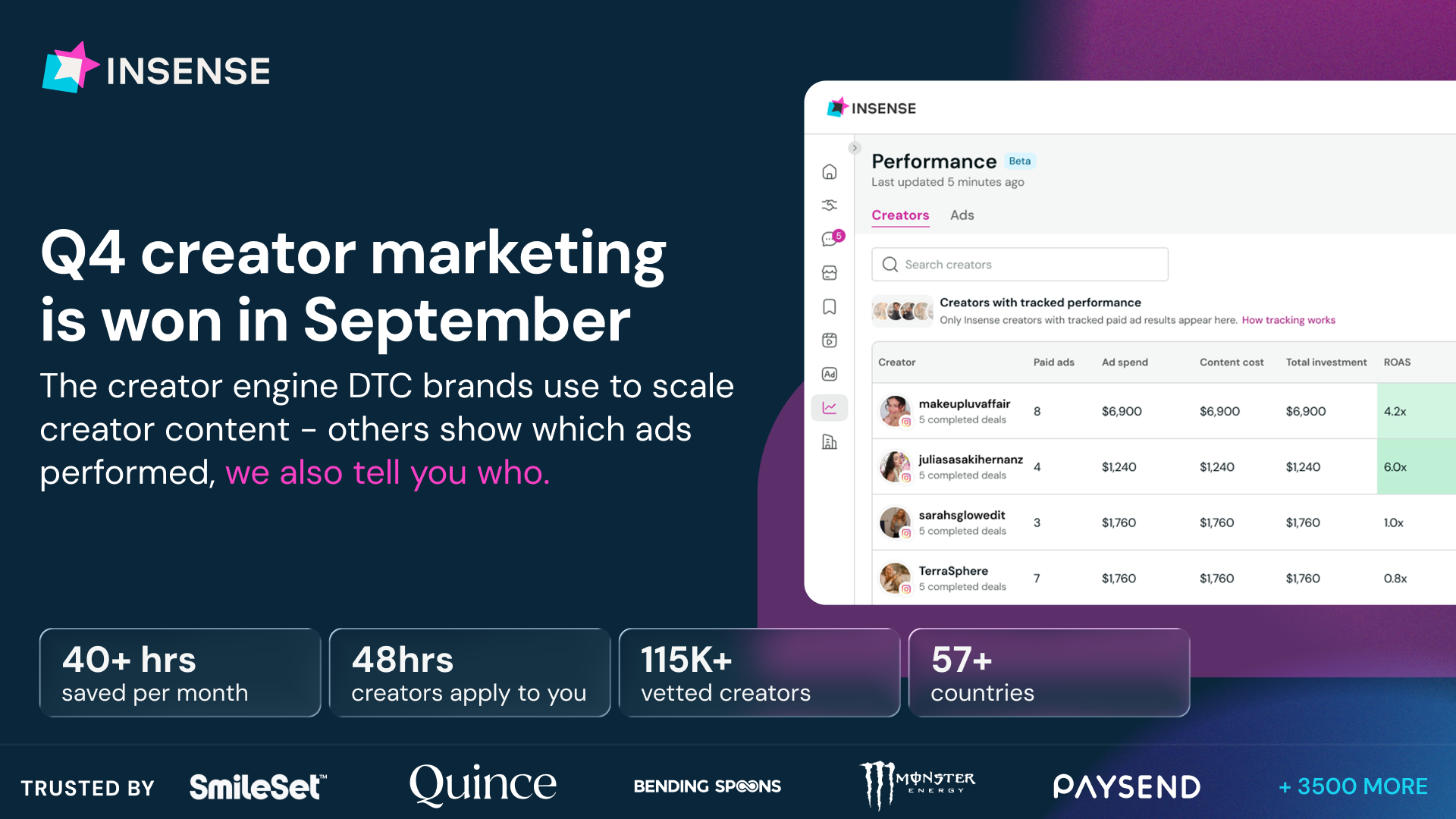
By October, CPMs can already be 20–60% higher. Brands that win BFCM build their creator roster in September, while costs are lower and there's still time to find proven winners.
Here’s the playbook:
- Seed now so creators know the product before November. Seed in Aug-Sep and flag organic winners early, since 81% of BFCM collaborations involve repeat creators.
- Source modular UGC with flexible hooks and raw footage. Refresh fatigued ads without funding another shoot.
- Run proven creators across organic and paid. Put winning content behind the creator’s handle to carry existing trust into each impression.
Bonus: Connect Ads Manager to Insense’s performance dashboard to identify the creators driving performance, then rehire them before availability tightens.
Insense helps DTC brands scaling beyond $2M build repeat creator rosters and is trusted by Il Makiage, Quince, Huda Beauty, and Monster Energy.
📝 Three Plans Every Q4 Forecast Needs to Reconcile
Most Q4 plans start with revenue divided by average selling price, and that single blended number is clean but useless. It cannot tell you which SKU carries the quarter or what to check when the quarter misses. The fix is to build demand, buy, and cash as three connected plans rather than relying on a single guess.
Here is how each piece works:
1️⃣ Build Demand from Five Levers
Instead of one blended forecast, break unit demand into base rate, trend, seasonality, promo lift, and distribution steps. When results miss, you can trace exactly which lever was wrong instead of shrugging at a missed number.
2️⃣ Turn Demand into a Placeable Order
A demand number alone is not an order. The buy plan applies coverage targets, case packs, supplier minimums, and lead times, then flags any order date already in the past as overdue, often before December stockouts even happen.
3️⃣ Date the Cash to When It Actually Moves
One purchase order touches three months of cash: the deposit leaves at placement, the balance leaves a month after arrival. The biggest arrival month can be the smallest cash-outflow month, so date cash needs to payment terms, not shipment dates.
The Takeaway
Q4 rarely fails from lack of ambition. It fails in the gaps between forecast, buy, and cash, three plans that usually never share a number. Building demand from explicit levers, sizing the buy against real constraints, and dating cash to when it leaves the bank turns three disconnected guesses into one reconciled plan, where a miss in November has a clear address instead of a shrug.
📝 Turn Any Google Sheet into a Working App with Gemini
Google may have just made building simple software tools far easier, and the sheet you already have can act as the database behind it. This is not just about visualizing data either. You can build an app that reads from and writes new entries into that same Google Sheet, all without touching code.
Wait Google might have killed 100s of startups
— Paul Couvert (@itsPaulAi) September 10, 2026
You can now turn any Google Sheets into an app and the sheet is basically its database 🔥
And it's not just to visualize data but also inputing new things.
Really powerful.
Steps to use it:
1. Click on the Gemini icon on the top… pic.twitter.com/0L5x6DlxeA
Steps to Turn a Google Sheet into an App Using Gemini
1️⃣ Open the Gemini Icon
Inside Google Sheets, click the Gemini icon in the top right corner of the screen to open the AI panel connected to your spreadsheet.
2️⃣ Create a Canvas
In the settings menu, select Create Canvas. This opens the building surface where Gemini will generate your app based on the data already sitting in your sheet.
3️⃣ Describe the App You Want
Type a plain description of what you want the app to do, such as tracking inventory, logging customer requests, or managing a simple booking list. Gemini reads the structure of your sheet and builds an interface around it.
4️⃣ Start Using It
Once generated, the app is connected live to your sheet. New entries typed into the app get written back into the spreadsheet, and any changes in the sheet reflect in the app as well.
The Takeaway
For years, turning a spreadsheet into a real app meant hiring a developer or learning a no code platform. Gemini inside Google Sheets collapses that step into a few clicks, using data you already maintain as the backend. It is a small feature with a big implication: a huge chunk of internal tools that startups used to charge for may now be a five minute build away for anyone who already lives in Sheets.
We'd love to hear your feedback on today's issue! Simply reply to this email and share your thoughts on how we can improve our content and format.
Have a great day, and we'll be back again with more such content 😍