The Audience Lives in Creative
🔍 How creative signals replace manual targeting, plus prototyping dashboards in minutes

Hello Readers 🥰
Welcome to today's edition, bringing the latest growth stories fresh to your inbox.
If your pal sent this to you, then subscribe to be the savviest marketer in the room😉
In Partnership with Insense
1 UGC creator = 20+ ad variations to scale your Q4 creatives
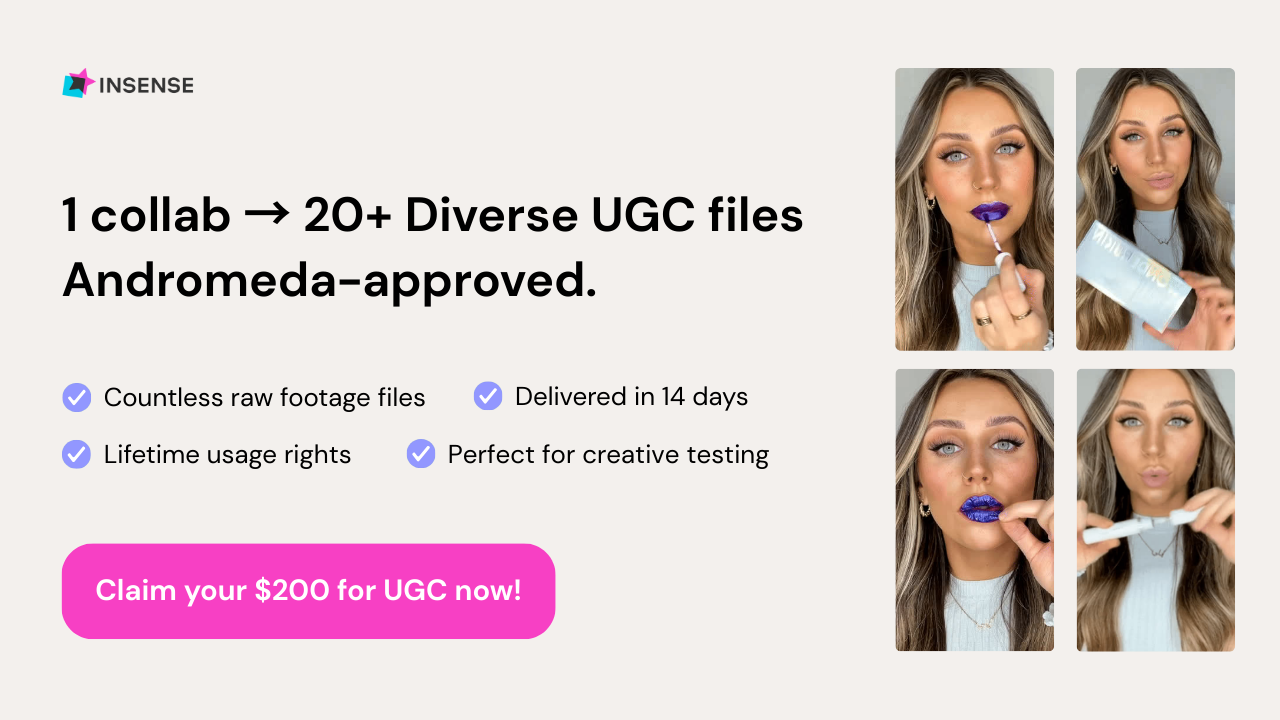
Insense makes UGC ads insanely cost-effective - and Andromeda-approved!
Meta's Andromeda update now rewards creative diversity (+22% ROAS), so the more distinct hooks and angles you test, the better you rank.
From one brief, get numerous raw footage clips to mix, match, and turn into multiple scroll-stopping creatives for your paid social ads.
Source 20+ pieces of raw content (per creator) with lifetime usage rights, all delivered in 14 days or less.
Here's the Q4 math: one winning ad takes 10–13 tested creatives, so 20+ variations per creator means more shots at a winner, and instant hook-swaps when an ad fatigues during BFCM week. Many versions from one shoot, not 50 shoots.
That’s how over 3,500 brands like Beauty Pie, Il Makiage, Revolut, and Monster Energy scale UGC without killing team bandwidth.
Cost-effective UGC with lifetime usage rights? Yes please!!
Book a free strategy call and get $200 for your first campaign.
📢 Build the Audience Into the Ad
The old advertising playbook was straightforward. Pick an audience segment like Gift Givers or New Moms, then build creative for that audience. Recent shifts in how ad platforms operate have flipped a lot of that around. Audience selections still exist in ad managers, but platforms now rely much more heavily on the creative itself to decide who should see an ad. The concept, copy, imagery, product, and context all become targeting signals in their own right.
How the Shift Shows Up in Practice:
1️⃣ Start With the Real Motivation
A recent seasonal ad broke down exactly what someone actually wants from the occasion: roughly half family time, a third personal me-time, and the rest split between quiet mornings and relaxing nights. That breakdown became the foundation for the whole concept.
2️⃣ Translate Motivation Into Moments
The ad then got specific: grab a favorite drink, take the kids outside, capture a few photos, handle bedtime. Each moment reflects a real, recognizable slice of the target person's day.
3️⃣ Let Every Detail Signal Intent
There's no targeting menu involved in the creative itself, but anyone viewing it can tell immediately who it's for. Every detail, scene, and word choice gives the platform more context about the kind of person likely to respond.
The Takeaway
If a specific audience label used to be something marketers selected in a dashboard, now that same targeting intelligence needs to live inside the creative itself. The concept, the details, and the moments chosen all do the work that manual targeting once did. Once creative is dialed in this way, the next step is scaling it effectively across placements and formats.
📊 Visualize Google Sheets with Gemini Canvas
Looking to turn a spreadsheet into a shareable dashboard without any design work? Gemini Canvas makes it simple with its ability to read your data and instantly generate a visual, interactive layout. Whether for project tracking, content planning, or team reporting, you can prototype a full dashboard in Google Workspace in minutes. Here is a step by step guide to get started.
Steps to Build a Dashboard Using Gemini Canvas:
1️⃣ Open Your Spreadsheet
Launch the Google Sheet you want to visualize, such as a project tracker or content calendar. Open Gemini in a new tab, click the plus button, and select Canvas to begin.
2️⃣ Prompt Gemini With Your Data
Ask Gemini to make you an interactive dashboard using the data from your chosen tabs. The AI will read the structure of your sheet and generate a working dashboard based on that data.
3️⃣ Share and View the Dashboard
Once Gemini finishes building it, copy the Canvas link and paste it into your browser to view the dashboard outside the chat window. This makes it easy to share with teammates or stakeholders.
4️⃣ Edit and Update in Real Time
To make changes, simply talk to Gemini in the chat like you normally would. If you have already shared the link with a coworker, they will automatically see the updated version too.
The Takeaway
Gemini Canvas streamlines the process of turning raw spreadsheet data into a polished, shareable dashboard, empowering users to prototype visuals with minimal effort. Whether for project tracking, content planning, or client reporting, the ability to generate, edit, and share dashboards in real time makes Gemini Canvas a fast and practical tool. As a bonus, Gemini can also turn the same data into a slide deck, which you can export straight to Google Slides or download as a PDF.
We'd love to hear your feedback on today's issue! Simply reply to this email and share your thoughts on how we can improve our content and format.
Have a great day, and we'll be back again with more such content 😍