Segmentation unlocks cheaper conversions
📦 Reduce ad costs with segmentation plus shop smarter using AI agent

Hello Readers 🥰
Welcome to today's edition, bringing the latest growth stories fresh to your inbox.
If your pal sent this to you, then subscribe to be the savviest marketer in the room😉
In Partnership with Constant Contact
Win back time with marketing automation tools from Constant Contact.
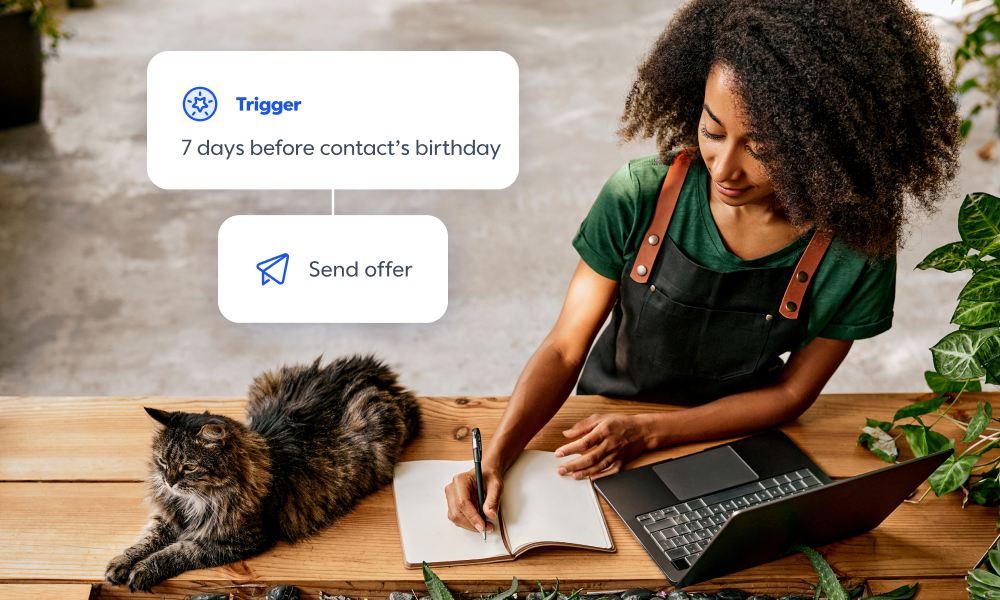
You can’t be everywhere at once but your marketing can.
With Constant Contact’s automation tools, your emails, texts, and offers go out at the right time, every time without you having to lift a finger.
- Want to show your customers you care about them? Use an automaton template to send birthday messages.
- Working on driving sales? Set up an abandoned cart email automation to gently urge almost-shoppers to become actual shoppers.
- Looking to bring lapsed customers back into the fold? Send automations with offers and promos to entice them to buy again. You can even create custom automation paths that work best for your business.
It couldn’t be easier. Just set up automatic triggered messages based on your customers’ behavior, and watch those messages run while you focus on everything else.
If you’re ready to save time and put pesky administrative tasks on autopilot, give Constant Contact’s marketing automation tools a try.
Try Email Automation from Constant Contact for 30 days for free
📝 How Segmentation Reduced Ad Costs
Scaling paid campaigns becomes harder as your product catalog grows. When multiple SKUs compete within the same campaign, performance can get diluted. That is where segmentation becomes a powerful lever to improve efficiency and reduce costs.
Steps to Improve Performance with Segmentation:
1️⃣ Launch separate campaigns per SKU:
Instead of grouping multiple products, create individual campaigns for each SKU. This allows you to tailor creatives, messaging, and targeting for specific audiences. Early testing at a smaller budget helps gather clean data for each product without interference from others.
2️⃣ Allow campaigns to stabilize before scaling:
Give each campaign enough time to exit the learning phase. Once a campaign reaches a stable conversion rate, you can begin scaling gradually. A controlled ramp-up ensures performance remains consistent while increasing spend.
3️⃣ Transition away from mixed campaigns:
As segmented campaigns start performing better, slowly phase out older campaigns that combine multiple products. A gradual shift prevents performance drops and allows smoother budget reallocation.
Why This Approach Works:
Improved targeting:
Different products attract different audiences. Segmentation helps align creatives and messaging with the right demographic.
Better budget control:
Allocating spend at the SKU level ensures high-performing products receive more investment without being held back by weaker ones.
Clearer insights:
With isolated campaigns, it becomes easier to understand what is working and why, especially for creative testing and optimization.
The Takeaway
Segmentation simplifies decision-making and improves efficiency. By separating products into focused campaigns, you gain better control over targeting, spend, and performance, leading to lower acquisition costs and stronger overall results.
📝 Use Perplexity Computer as Your Personal Shopper
Online shopping can quickly become overwhelming. Endless tabs, price comparisons, and stock checks eat up time. Perplexity’s Computer agent changes this by acting as a personal shopping assistant that researches you.
Instead of manually browsing multiple websites, you can delegate the entire process and get a clean, structured report with the best options available.
Steps to Shop with Perplexity Computer:
1️⃣ Enable Perplexity Computer:
Open the latest version of Perplexity on the web or mobile. Look for the Computer toggle and activate it. This unlocks the agent-based browsing feature that can perform tasks on your behalf.
2️⃣ Write a Detailed Prompt:
Start with a clear request such as “Find me a good deal on running shoes.” Then refine it by adding brand preferences, style, and size. The more specific your prompt, the better the results.
3️⃣ Let the Agent Do the Work:
Perplexity will deploy sub-agents to scan product listings across multiple sites. It gathers pricing, availability, and options, then compiles everything into a well-structured report without extra instructions.
4️⃣ Review and Compare Results:
Instead of jumping between tabs, you get a single view of the best deals. This makes it easier to compare options and make faster decisions.
5️⃣ Automate Ongoing Searches:
You can turn your query into a recurring task. For example, ask it to track prices daily or weekly. This is useful for finding deals or monitoring specific products over time.
The Takeaway
Perplexity Computer transforms shopping into a streamlined experience. Automating research and comparisons, it saves time and helps you make smarter purchasing decisions effortlessly.
We'd love to hear your feedback on today's issue! Simply reply to this email and share your thoughts on how we can improve our content and format.
Have a great day, and we'll be back again with more such content 😍