Five Smart Halloween Tests Await
👻 Halloween tests that shape your BFCM plan, and one tool that visualizes your spreadsheets

Hello Readers 🥰
Welcome to today's edition, bringing the latest growth stories fresh to your inbox.
If your pal sent this to you, then subscribe to be the savviest marketer in the room😉
In Partnership with LeadPost
You already paid for that traffic. Twice, if you're retargeting it.
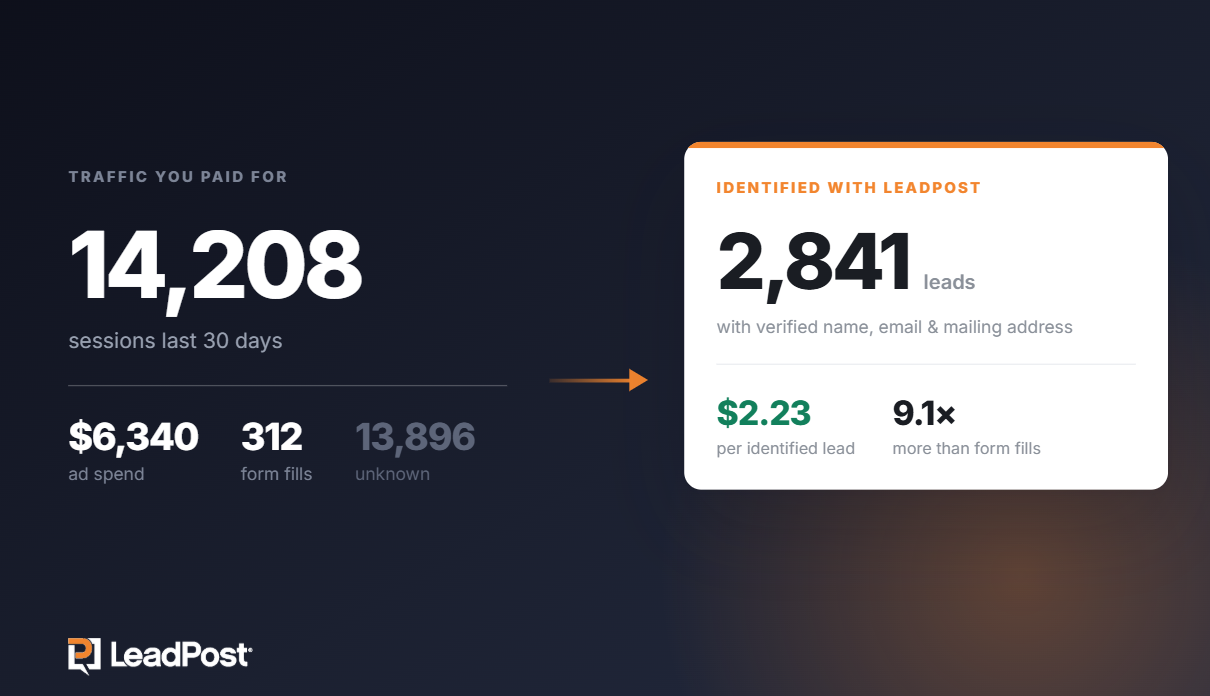
Ad costs climb every quarter, and the same visitors keep slipping away unnamed. Meanwhile the cheapest leads you'll get all month are already on your site. You just can't see them.
LeadPost turns anonymous sessions into contact records you own: name, email, postal address, company, job title.
It runs on the traffic you're already buying and pushes leads into your CRM automatically, so email, ads, and direct mail can pick up from there.
One customer traced $270,000 in sales back to a $4,000 spend.
Free for 14 days for Growth Pulse readers with no credit card. You'll see real leads out of your own traffic before you decide anything
*14-day free trial, up to 200 leads. No credit card required. U.S. website visitors only. Works best on sites with at least 1,000 unique monthly visitors.
🎃 Five Halloween Tests to Run Before BFCM
Halloween is your last campaign window to learn something useful before BFCM. Some shoppers hold off on bigger purchases as Black Friday nears, and a seasonal campaign gives them a reason to buy now while giving your team fresh offer and creative data for November.
The numbers back this up. U.S. Halloween spending is projected to reach $13.5 billion in 2026, with shoppers expecting to spend about $115 each. They are also watching costs: 31% will compare prices, 26% will hunt for coupons or sales, and 34% plan to look for reusable items.
Here are five tests to run:
1️⃣ Give Your Evergreen Offer a Halloween Angle
Keep your usual promotion, such as dollar-off, but wrap it in Halloween copy and creative. Track conversion rate and average order value to see if the seasonal framing earns a lift.
2️⃣ Test Your BFCM Offer Early
Change one variable at a time: promo code vs. automatic discount, dollar-off vs. percentage-off, tiered vs. single discounts, or different free-shipping thresholds. Review conversion rate, average order value, and margin.
3️⃣ Test Creative You Can Reuse
Darker visuals fit both Halloween and Black Friday. Try a darker version of an existing concept, and note which hooks and visuals deserve a BFCM version.
4️⃣ Test Urgency Copy
Pair your seasonal messaging with urgency tied to a real deadline or shipping cutoff. Compare the two and carry the stronger one into November.
5️⃣ Try One Playful Concept
Push one creative idea a little further while staying on brand. Keep the product and offer clear, test it against your usual creative, and record the results.
The Takeaway
Halloween is a low-risk rehearsal for BFCM. Test one thing at a time, log what works, and head into November with proven offers, creative, and urgency angles instead of guesses.
🧠 Visualize Google Sheets with Gemini Canvas
Want to turn a plain spreadsheet into a shareable dashboard in minutes? Gemini Canvas makes it simple. Whether you manage a project tracker, a content calendar, or team reports, you can prototype a polished dashboard without writing any code.
Steps to Build a Dashboard Using Gemini Canvas:
1️⃣ Open Your Spreadsheet
Open a Google Sheet, such as a project tracker or content calendar. Then launch Gemini in a new tab, click the plus button, and select Canvas.
2️⃣ Prompt Gemini
Give Gemini a clear instruction such as, "Make me an interactive dashboard using the data from tabs one and two." The AI will read your data and build a working dashboard based on your request.
3️⃣ Share Your Dashboard
Once it finishes, copy the Canvas link and paste it into your browser to view the dashboard outside the chat. You can send this link to coworkers so they can view it too.
4️⃣ Edit and Refine
To make changes, simply talk to Gemini in the chat as you normally would. If you have already shared the link, your coworkers will automatically see the updated version.
The Takeaway
Gemini Canvas is one of the easiest and fastest ways to prototype inside Google Workspace. It helps you turn raw spreadsheet data into interactive, shareable visuals with minimal effort. Dive in and try it on your next spreadsheet to impress your team like never before!
We'd love to hear your feedback on today's issue! Simply reply to this email and share your thoughts on how we can improve our content and format.
Have a great day, and we'll be back again with more such content 😍