Find Friction Points In Minutes
💡 Diagnose landing page friction in minutes then build a self-improving video workstation

Hello Readers 🥰
Welcome to today's edition, bringing the latest growth stories fresh to your inbox.
If your pal sent this to you, then subscribe to be the savviest marketer in the room😉
In Partnership with Masterclass
This is what your calls should actually look like. Most people never find out
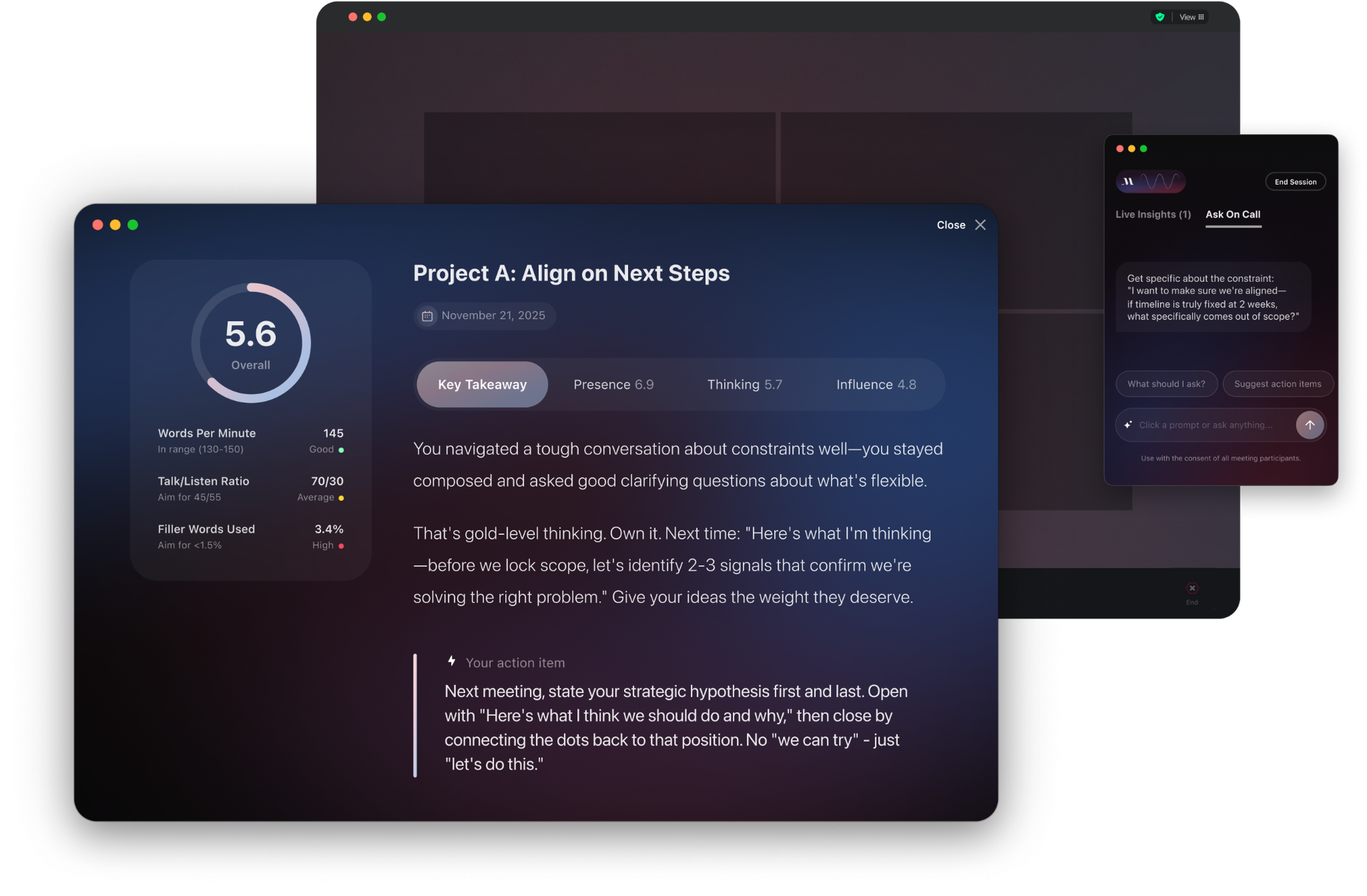
You're already good at this. But good means nothing when the person next to you is getting sharper after every call, and you're still guessing.
On Call gives you three things no one else at work will:
- Live guidance mid-call so you always know your next move
- A clear read on your blind spots so you stop carrying the same gaps into every room
- A running track of your growth so excellence stops being a feeling
The gap between good and great isn't talent. It's feedback. Start your first coached call free on Mac today.
Every call you take without this is a call you can't learn from.
📝 Connect Behavior Analytics with AI to Fix Landing Page Drop-Offs
Getting clicks on your ads but not seeing sales? The problem is likely your landing page, not your ad creative. Connecting a free behavior analytics tool to an AI assistant gives you a direct line to understanding exactly where and why people are leaving without buying.
Steps to Uncover Landing Page Friction Points:
1️⃣ Set Up Your Behavior Analytics Tool
Sign up for a free behavior analytics platform that captures heatmaps, scroll depth, and rage clicks. Installation takes a few minutes and requires no technical background.
2️⃣ Identify Your Drop-Off Zones
The most common friction points on any landing page are the hero section, the pricing block, and the reviews area. These three zones alone can kill conversions before your offer gets a fair read.
3️⃣ Connect Your Data to an AI Assistant
Export or screenshot your analytics dashboard and bring it into an AI chat interface. Describe what you are seeing and ask a plain-language question like: where are we losing people after the click?
4️⃣ Analyze and Act on the Output
The AI will break down your data clearly. It can identify whether mobile or desktop traffic is bouncing faster, how far users scroll before dropping off, and which specific section is costing you the most conversions. From there, build one focused test around what you find.
The Takeaway
Most brands are staring at dashboards without a clear starting point. This workflow changes that. You get actionable insights in minutes, not weeks, without needing a developer or data analyst. Run one test, measure the result, and repeat weekly. Small friction fixes compound into real revenue gains over time.
📽 Build a Short-Form Video Workstation with Higgsfield and Claude Code
Want to build a video content engine that generates campaigns, tracks results, and gets smarter over time? Higgsfield and Claude Code make it possible without a full production team. Here is a step-by-step guide to get started:
Steps to Build Your Video Workstation:
1️⃣ Set Up Your Environment
Create a dedicated project folder and open it in Claude Code. Install the Higgsfield CLI, authenticate your account, and add the Higgsfield skills package. This forms the foundation of your entire video workflow.
2️⃣ Define Your Brand and Content Goals
Ask Claude Code to interview you about your brand, target audience, and content objectives. Based on your answers, Claude will set up campaign folders with input, output, draft, and final subfolders, along with files for brand guidelines, performance tracking, and a workflow README to keep everything organized.
3️⃣ Launch Your First Campaign
Prompt Claude to generate two distinct video concepts aligned with your brand. Claude will then convert those concepts into Higgsfield-ready prompts. Once you review and approve them, Claude generates the videos automatically and saves them in your output folder.
4️⃣ Turn Workflows into Reusable Skills
Convert your campaign workflow into a reusable skill inside Claude Code. Then build a second skill that improves future videos based on real feedback, prompt revisions, and performance notes. This creates a self-improving content system that gets better with every campaign.
The Takeaway
Higgsfield and Claude Code together give creators and marketers a powerful short-form video workstation that scales with your goals. Start with one campaign, learn from it, and let the system build itself from there.
We'd love to hear your feedback on today's issue! Simply reply to this email and share your thoughts on how we can improve our content and format.
Have a great day, and we'll be back again with more such content 😍