Birthday Ads That Actually Sell
✨ Five ways to make birthday ads sell, plus building lead magnets with zero code needed

Hello Readers 🥰
Welcome to today's edition, bringing the latest growth stories fresh to your inbox.
If your pal sent this to you, then subscribe to be the savviest marketer in the room😉
In Partnership with Omnisend
Everyone’s talking about AI. Here’s how three email marketing experts are actually using it.
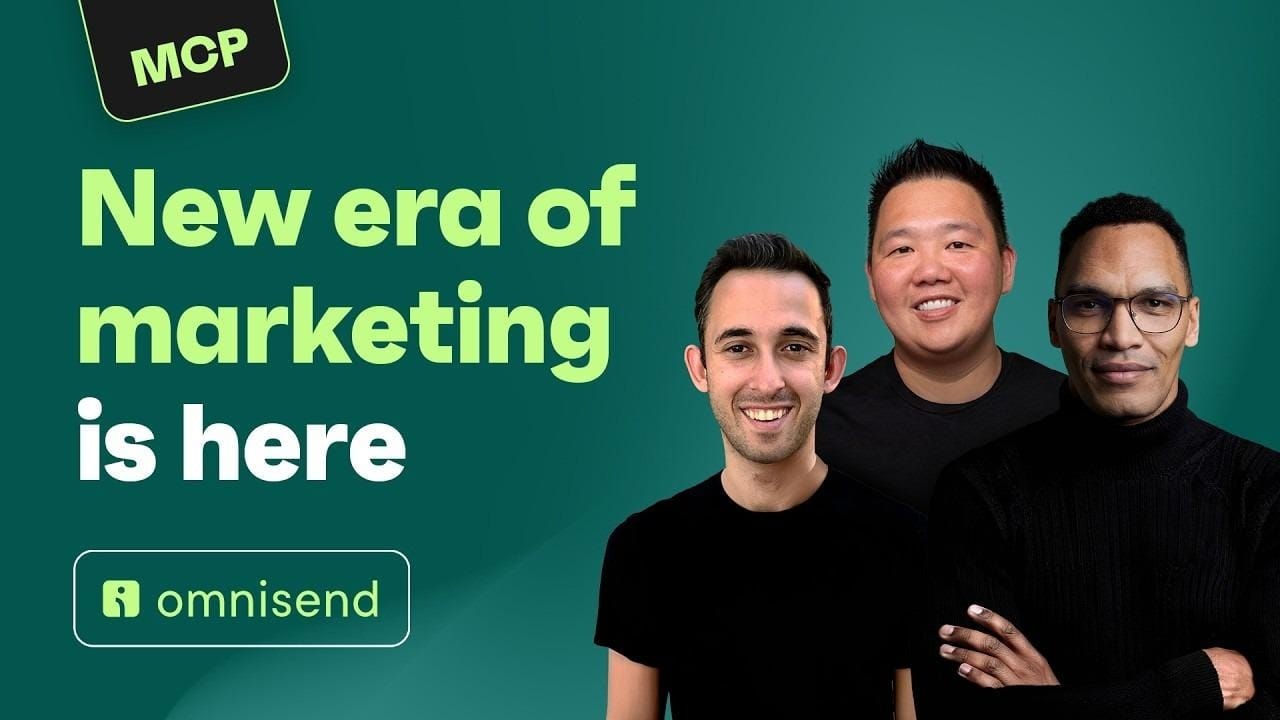
You can read a hundred takes on AI and still have no idea what anyone actually types into it. So, we asked three experts to show us.
Jimmy Kim, founder of eCom Email Marketer, Chase Dimond, co-founder of eCom Email Marketer, and Bernard Meyer, AI Operations Manager at Omnisend, walk through how they use AI in their day-to-day work.
From pulling reports and analyzing campaign performance to spotting missed opportunities, they share the prompts and workflows that actually work. They also explain where AI still falls short and where human experience and judgment still matter most.
The session was recorded in ChatGPT, but Omnisend works with Claude too, so the same workflows carry over.
New to Omnisend? It’s an email and SMS marketing platform used by more than 150,000 ecommerce brands, generating an average of $79 for every $1 spent.
Migration is free, takes up to five business days, and plans cost up to 35% less than Klaviyo’s.
Watch the full 56-minute session, no signup required.
📝 Turn Your Brand Birthday Into A Sale
Your brand's birthday isn't just a milestone, it's a sales opportunity. A recent set of birthday-themed ads shows exactly how to turn a calendar moment into real conversions, without leaning on generic clip art or vague discount codes.
Ways to make birthday sales ads work:
1️⃣ Balance Your Visuals
Keep celebratory touches like candles or scattered graphics small and secondary. Oversized birthday elements pull attention away from the headline and discount, which should always stay the focus of the ad.
2️⃣ Anchor With Urgency
A single badge that combines urgency with the sale message works harder than a logo sitting alone. Let that callout do double duty instead of adding separate design elements for each.
3️⃣ Build From Strong Photography
Let your best product shots shape the layout, rather than forcing them into a text-first template you had planned. Packaging supports shelf recall, while a ready to drink or in use shot shows the product people actually want.
4️⃣ Match Copy To Imagery
Tie the headline directly to the visual concept so the ad reads as brand identity instead of a discount stamped on top of a stock layout.
5️⃣ Lead With The Offer, Then The Flourish
State the discount and what it covers first, then add a real timeframe for urgency. Save personal or celebratory angles, like a founder's birthday, for last, after the fundamentals are locked in.
The Takeaway
A brand birthday is more than a celebration, it's leverage. The strongest executions pair clear urgency and a spelled-out offer with photography-led design, then layer in the birthday angle only once the ad's core job is already done.
🧑💻 Build Interactive Lead Magnets with Canva Code
Want to create a fun, interactive lead magnet without writing a single line of code? Canva Code makes it possible. Paired with ChatGPT, you can turn a simple offer into an engaging assessment tool that helps prospects find their best fit and gives your business a memorable way to earn new leads.
Steps to Build an Interactive Lead Magnet Using Canva Code:
1️⃣ Open Canva AI
From your Canva homepage, open Canva AI, select Code, and start a new project. This sets up the space where your interactive tool will come together.
2️⃣ Define Your Offer with ChatGPT
Open ChatGPT and describe your offer, target customer, and available packages. Ask it to build a five question assessment that helps each visitor identify the best fit for their needs.
3️⃣ Turn It Into a Canva Code Prompt
Ask ChatGPT to convert the assessment into a full Canva Code prompt, including the questions, answer choices, recommendation logic, results page, call to action, brand colors, and tone of voice.
4️⃣ Generate, Customize, and Publish
Paste the prompt into Canva Code to generate your site. Click into the design to adjust text, colors, or layout as needed. Once it looks right, hit publish and start sharing.
The Takeaway
Canva Code removes the technical barrier to building interactive tools. By combining ChatGPT for strategy with Canva Code for execution, you can launch a branded lead magnet that engages prospects and drives real business results, all without touching a line of code.
We'd love to hear your feedback on today's issue! Simply reply to this email and share your thoughts on how we can improve our content and format.
Have a great day, and we'll be back again with more such content 😍