The science of buyer certainty
🧠 Turn purchases into certainty and turn selfies into studio-grade headshots

Hello Readers 🥰
Welcome to today's edition, bringing the latest growth stories fresh to your inbox.
If your pal sent this to you, then subscribe to be the savviest marketer in the room😉
In Partnership with Athyna
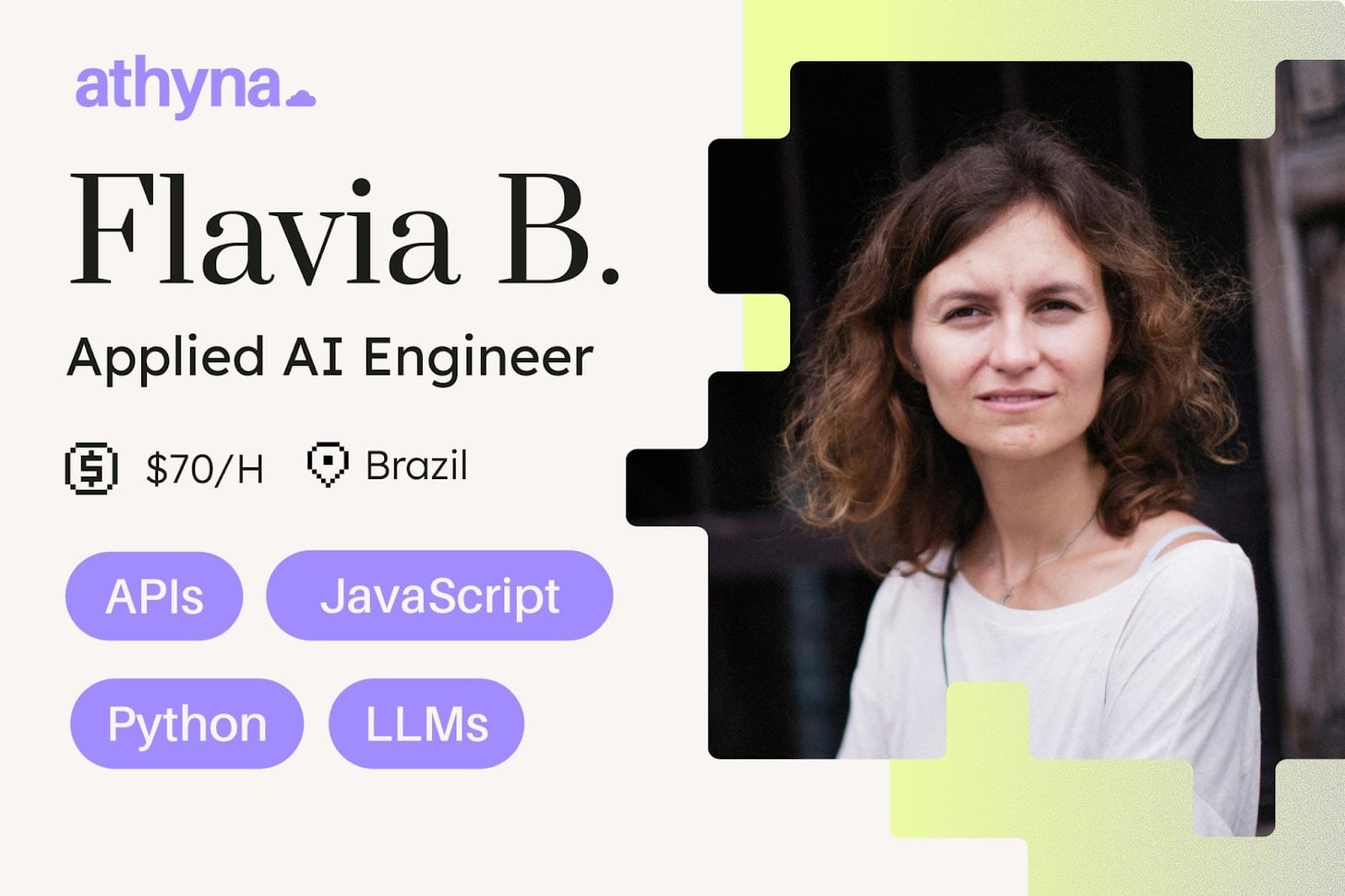
Connecting LLMs to production systems means handling rate limits, context windows, prompt versioning, and error states that most teams underestimate. You need engineers who understand the full integration stack and ship features that hold up under load.
- Python and JavaScript expertise
- LLM and API integration at scale
- Production-tested implementations
- 40–60% cost savings
This is the kind of talent you get with Athyna Intelligence—vetted LATAM engineers working in U.S.-aligned time zones.
📝 Create Choice Closure to Reduce Buyer Regret
Most customers don’t regret purchases because the product is bad. They regret purchases because their brain never stops comparing.
This is where Choice Closure comes in.
A London Business School study tested what happens when people make a decision and then physically “close” the decision-making process. Participants chose 1 tea from a menu of 24 options. Half of them were forced to close the menu after ordering. The other half could keep it open.
The result: people who closed the menu felt more satisfied with their choice.
Why? Because closing the menu signals the brain that the decision is finished. It stops the “what if I picked wrong?” loop and shifts attention toward enjoying the experience.
Online shopping creates the opposite effect.
Your customer buys, then instantly gets hit with doubt:
Was this the right choice? Should I have chosen another brand? Did I overpay?
Without closure, that doubt turns into cancellations, returns, and post-purchase anxiety.
Steps to Create Choice Closure in Digital Experiences
1️⃣ Reduce confusing option overload
Make the “best” option obvious so the decision feels safe and final.
2️⃣ Create a transition moment after purchase
Change the colors, layout, or message tone after checkout to signal a new stage.
3️⃣ Reframe the CTA as a doorway
Instead of “Buy Now,” use language that feels like entering something new.
4️⃣ Ask a post-purchase question
Something simple like “What are you most excited to achieve?” creates an identity shift.
5️⃣ Make buyers feel like insiders
Give access, onboarding, or a welcome moment that makes them feel chosen.
The Takeaway
Your job isn’t just to help customers buy. It’s to help them stop thinking. When you create a clear moment of closure, you reduce regret, increase satisfaction, and protect your conversion from post-purchase doubt.
📝 Turn Selfies Into Professional AI Headshots
Most AI headshots fail for one reason: they don’t look like you. They look like a polished version of a stranger wearing your face.
That uncanny feeling usually comes from the model “rebuilding” facial structure instead of editing the real photo. The fix is a simple workflow: start with a clean image, then prompt the AI like a photo editor, not a portrait generator.
This is where Nano Banana Pro shines. Instead of creating a new headshot from scratch, it can upgrade your existing selfie with studio-grade enhancements while keeping your identity intact.
Steps to Generate Realistic AI Headshots
1️⃣ Capture the Right Photo First
Use a neutral background and direct light (window light works best). Take a chest-up photo with the camera slightly above eye level. Avoid harsh shadows, low lighting, or angled selfies.
2️⃣ Open the Right Tool
Go to Google AI Studio and open the Playground. Add an API key with Gemini and Nano Banana Pro enabled so you can run image edits smoothly.
3️⃣ Upload Your Photo and Use an Editing Prompt
Instead of describing a new headshot, prompt for post-processing like this:
“Generate: Post-processing enhancement, professional color grading, balanced studio lighting, remove noise and grain, sharpen focus, upscale to 8k, skin texture refinement, subtle dodging and burning, clear and crisp details, maintain original facial structure and clothing, photorealistic.”
4️⃣ Test Multiple Photos
Run the same prompt on a few different selfies. Some images will naturally work better depending on lighting and camera sharpness.
5️⃣ Regenerate in 4K Once You Find a Winner
After you get a realistic result you like, ask the AI to recreate the same output in 4K for a clean final version.
6️⃣ Create Four Headshot Concepts
Drop the same prompt into Gemini and ask it to suggest 4 headshot “styles” using the same principles, making it clear you want to edit photos, not generate new faces.
The Takeaway
AI headshots look best when the AI acts like Lightroom, not like a face generator. Start with clean lighting, prompt for post-processing, and force the model to preserve facial structure. That’s how you get headshots that look professional without looking fake.
We'd love to hear your feedback on today's issue! Simply reply to this email and share your thoughts on how we can improve our content and format.
Have a great day, and we'll be back again with more such content 😍