Shift Budget To Better Customers
🧠 Use Value Rules for smarter growth and automate competitive research

Hello Readers 🥰
Welcome to today's edition, bringing the latest growth stories fresh to your inbox.
If your pal sent this to you, then subscribe to be the savviest marketer in the room😉
In Partnership with Syncly
The conversations you’re not seeing are costing you.
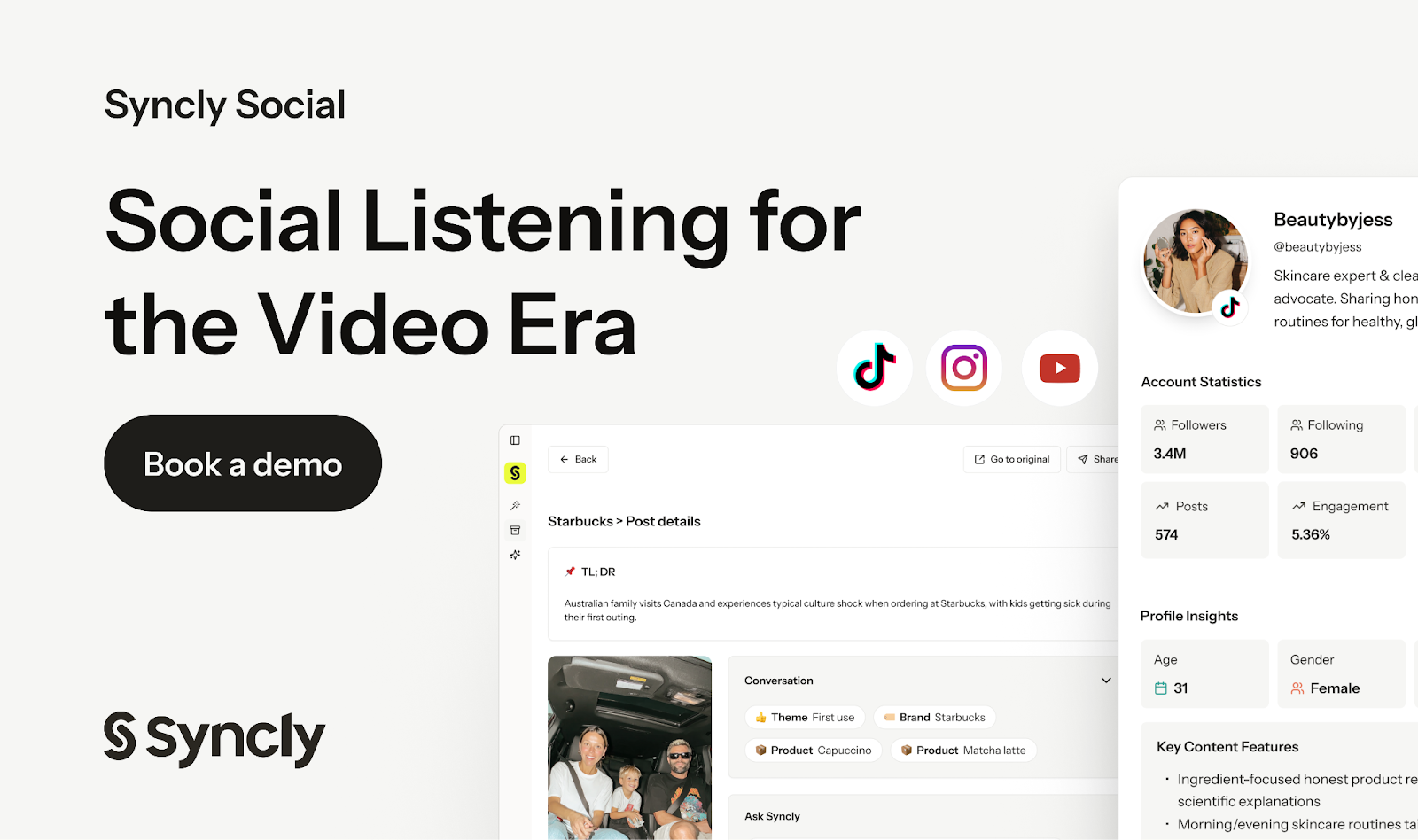
If you’re still relying on text-based listening in 2026, you’re running your brand half-blind.
Most tools miss everything that actually moves culture, the spoken mentions, the untagged endorsements, the moments inside the video that shape perception long before comments do. And by the time something hits your feed, the damage is already done.
Syncly Social lets you finally hear what they say and see what they show in one place.
- Spot spoken brand mentions across TikTok, IG, and YouTube in real time.
- See untagged creators pushing your product before your competitors do.
- Decode exactly who is representing your brand with demographic insights.
- Track competitor momentum through the videos driving their growth.
Top brands like Kosas, Burberry, and Calvin Klein use Syncly Social because it reveals the conversations that move their brand the second it happens.
The after-state is simple: nothing slips past you again. You hear what they say, you see what they show, and you move faster than the narrative.
Get started for free and give your brand the visibility it never had!
📝 Prioritize High LTV Audiences With Value Rules
Most Meta accounts optimize for the wrong thing. Not because the targeting is bad, but because the goal is incomplete.
Meta is great at finding the cheapest conversions. But cheap does not always mean profitable.
If your business has clear lifetime value differences by age, location, or device, then optimizing only for the lowest CPA can quietly push spend toward audiences that buy once and disappear.
That’s where Value Rules come in.
Value rules let you assign a higher conversion value to the segments that generate more long-term revenue. So instead of Meta chasing the lowest-cost buyer, it starts prioritizing the highest-value buyer, even if they cost more upfront.
This is one of the simplest ways to shift your account from short-term efficiency to long-term profitability.
Steps to Use Meta Value Rules
1️⃣ Start With One Clear LTV Segment
Pull your LTV data and identify one group that consistently repurchases more than others.
2️⃣ Apply a Modest Value Increase
In Meta’s value rules, assign a higher conversion value to that segment. Keep it small at first so you don’t distort learning.
3️⃣ Launch New Ad Sets With Rules Active
Test value rules on new campaigns or new ad sets first, so you can compare performance cleanly.
4️⃣ Watch for Spend Reallocation
A good early signal is Meta shifting spend toward your high-LTV segment without destroying overall results.
5️⃣ Monitor Short-Term ROAS and Early Trends
Look at early ROAS, cost per purchase, and conversion volume. Value rules often show improvements quickly.
6️⃣ Pair With Segment-Specific Creative
If you want the biggest lift, run a creative that speaks directly to that segment’s intent, pain points, and buying motivations.
The Takeaway
If you already know which customers are worth more over time, tell Meta. Value rules help redirect spend toward the buyers that compound, not just the ones that convert cheaply.
📝 Build a Competitor Database in 5 Minutes
Most teams treat competitor research like a one-time project. You open 12 tabs, copy notes into a doc, and by next month, it’s outdated. Then you repeat the whole process again.
Claude Cowork flips that workflow.
Instead of doing research manually, you set up a competitor intelligence database that builds itself inside a folder on your computer. Once it’s installed, you can generate repeatable competitor reports in minutes, store them automatically, and keep everything organized without creating a messy spreadsheet.
The best part is that you don’t need to build anything from scratch. You just download a set of prompt files, drop them into a folder, and let Claude scaffold the system for you.
Steps to Build a Competitor Intelligence Database Using Claude Cowork
1️⃣ Create a New Competitor Folder
Start by downloading the prompt files and saving them inside a fresh folder. This will become your competitor database.
2️⃣ Open Cowork and Select the Folder
Open Claude Desktop and go to the Cowork tab. Click “Work in a folder” and select your competitor folder so Claude can access it.
3️⃣ Let Claude Set Up the System
Prompt Claude to read the SOP and scaffold your directory. In about 2 to 3 minutes, it will organize the structure and prepare the workflow.
4️⃣ Generate Your First Killsheet
To test it, send Claude:
[Competitor Name] + [Website Link]
Claude will create a competitor report called a “killsheet” and automatically file it into your database.
5️⃣ Update the Database Quarterly
Run a fresh killsheet every quarter so your intel stays current. Also, regenerate one whenever a competitor launches a major feature or changes pricing.
6️⃣ Turn Killsheets Into Battlecards
Once your database grows, ask Claude to turn killsheets into battlecards, comparison pages, and sales-ready competitor notes.
The Takeaway
Competitor research shouldn’t be a recurring headache. With Claude Cowork, you can turn it into a self-updating system that stays organized, searchable, and ready whenever you need to out-position a rival.
We'd love to hear your feedback on today's issue! Simply reply to this email and share your thoughts on how we can improve our content and format.
Have a great day, and we'll be back again with more such content 😍