Measure What Your Content Sells
🚀 How winning brands connect content to sales, plus how to automate mobile workflows

Hello Readers 🥰
Welcome to today's edition, bringing the latest growth stories fresh to your inbox.
If your pal sent this to you, then subscribe to be the savviest marketer in the room😉
In Partnership with Lindy
You are not behind on ideas. You are behind on speed.
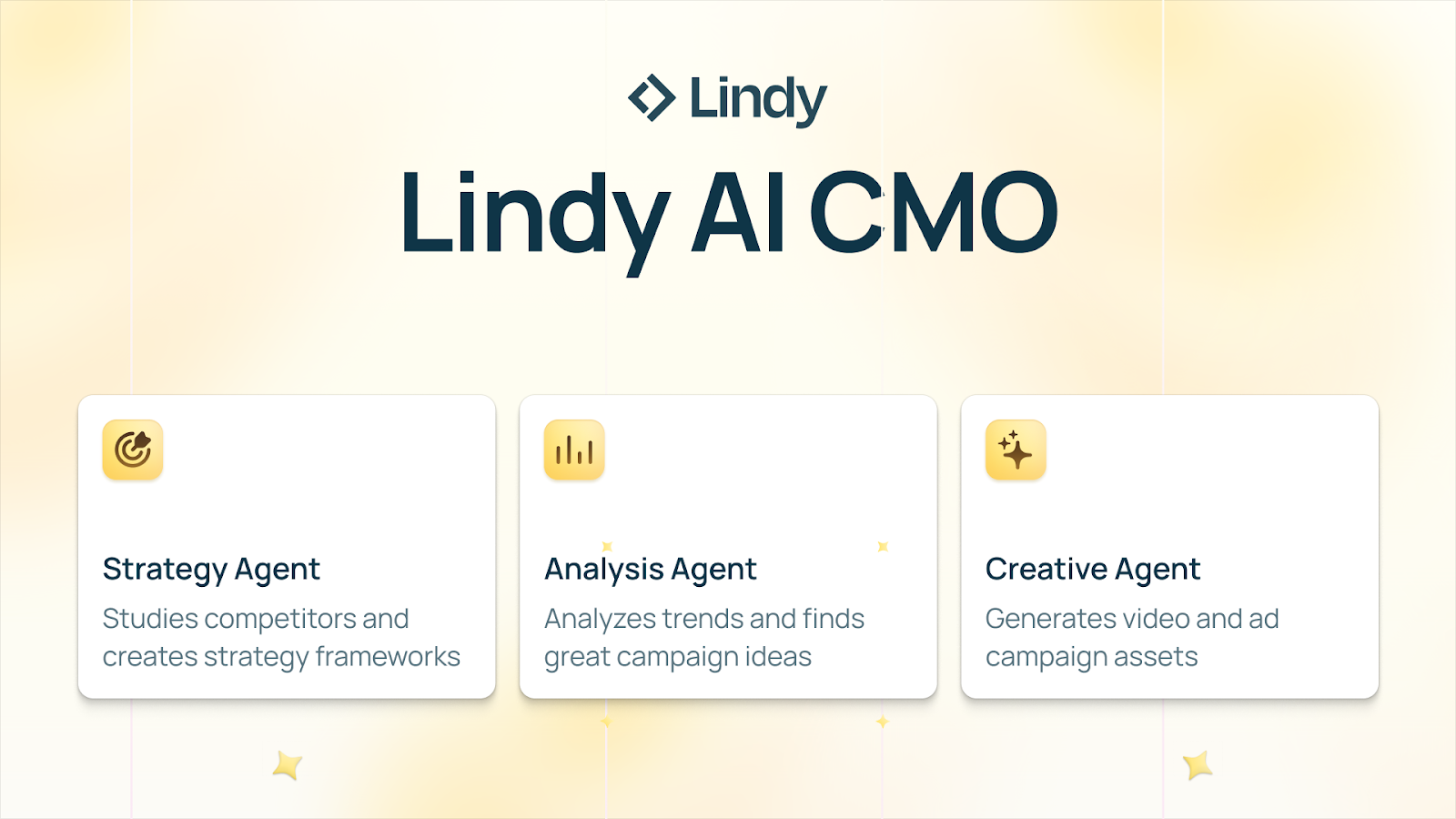
You know the drill. Competitor research scattered across tabs, unfinished messaging docs, late briefs, and creative that misses the angle. That chaos is not annoying; it is expensive.
Lindy AI CMO is a suite of powerful agents that ship beautiful marketing campaigns quickly.
Drop in your website, and agents study your competitors, extract angles, draft messaging, create briefs, and generate launch-ready assets, then organize everything in Airtable for a clean approval flow.
- Cut campaign prep from 10 to 14 days down to 1 to 2 days.
- Generate 30 to 80 on-brief variants per angle to accelerate testing.
- Reduce rework and increase weekly experiment volume without extra headcount.
Teams running agent-led workflows consistently ship 2 to 3 times more weekly tests with the same headcount.
🧠 Build a System Where Content Actually Drives Sales
Most brands struggle with three hidden problems simultaneously. Customer feedback is scattered everywhere. Content goes viral but feels impossible to measure. Product design is often treated as separate from marketing, even though it is evident in every post.
The brands that win do not solve these in isolation. They build a connected system.
Here’s how to think about it.
Step 1: Turn Customer Feedback Into Signal
Support tickets, reviews, and social comments are full of insights, but only if they are centralized. When feedback lives across tools, teams miss recurring issues, patterns, and opportunities. The goal is to pull every signal into one place, automate classification, and share insights across CX, product, and marketing so everyone works from the same source of truth.
Step 2: Make Entertainment the Starting Point
Most content teams optimize for platforms first. The best teams optimize for entertainment first. They ask one question before anything else: would this make someone feel something if it showed up on TV?
Comedy works for some brands, but entertainment can also be inspiring, educational, or surprising. When content stands on its own, people share it naturally, and user-generated content follows without incentives.
Step 3: Design Products That Create Content
Your product appears in every photo, video, and unboxing. If it does not spark curiosity or conversation, you are leaving reach on the table. Strong design turns every customer interaction into a potential moment worth filming. Product and packaging are not just operational decisions. They are growth levers.
Step 4: Connect Virality to Sales
Views alone do not grow a business. The missing link is attribution. Smart brands design campaigns that require real-world action, like proof of purchase, to participate. This bridges content exposure to actual buying behavior and finally answers the question of what content drives revenue.
Step 5: Build the Flywheel
Entertainment fuels sharing. Product design amplifies visibility. Attribution proves impact. Feedback sharpens everything.
The Takeaway
Do not chase virality in isolation. Build a system where content, product, feedback, and measurement reinforce each other. That is how attention turns into sales instead of empty views.
📱 Automate Phone Tasks With a Local AI Agent
Phone automation has always felt out of reach. Either it is brittle rule-based scripting, or it is a cloud agent that needs accounts, permissions, and trust you cannot verify. This new approach changes the game by using a vision language model that can read what is on your screen and take actions from a single prompt while keeping the workflow local.
The big idea is simple. Instead of hard-coding steps, you tell the agent what you want done. It interprets the current screen, identifies buttons and fields, plans the next action, and executes taps, scrolling, and typing until the task is complete. Because it can run locally or self-hosted, it is designed for privacy-first use cases and offline-friendly workflows.
You can now automate any task on your phone by letting AI control it
— Paul Couvert (@itsPaulAi) December 11, 2025
AutoGLM from Zai is a 100% open source vision-language model that:
- Understands what's on your screen
- Acts autonomously from a prompt
- Totally private (works LOCALLY)
Tutorial ↓pic.twitter.com/PFFRLf5rWK
Steps to Run a Local Phone Agent:
1️⃣ Set Up Your Environment
Install the required dependencies on your computer and prepare the project folder. Make sure your machine has enough resources to run a 9B class model comfortably.
2️⃣ Connect a Test Device
Use an Android phone or emulator and enable developer options plus USB debugging. Confirm your computer can control the device through standard Android tooling so the agent can send taps and text input.
3️⃣ Load the Model
Select the multilingual model option if you use apps with mixed language interfaces. This improves screen understanding when UI labels are not all in one language.
4️⃣ Start With Low Risk Prompts
Begin with safe tasks like opening an app, navigating to a settings page, or searching within an app. This helps you validate reliability before moving to more complex workflows.
5️⃣ Add Guardrails Before Real Use
Use confirmations for sensitive steps like logins, messages, or anything involving money. Keep human takeover enabled so you can stop the agent immediately if it misclicks.
6️⃣ Scale to Multi-Step Routines
Once it is stable, try repeatable routines such as organizing notes, scheduling reminders, updating a list, or pulling information from multiple screens.
The Takeaway
When an AI can see your screen and act, your phone becomes programmable with plain language. Start small, keep guardrails on, and you can unlock hands-free workflows without handing your data to the cloud.
We'd love to hear your feedback on today's issue! Simply reply to this email and share your thoughts on how we can improve our content and format.
Have a great day, and we'll be back again with more such content 😍