Creators are the new infrastructure
🛍️ From creator-powered conversions to AI-driven video editing workflows

Hello Readers 🥰
Welcome to today's edition, bringing the latest growth stories fresh to your inbox.
If your pal sent this to you, then subscribe to be the savviest marketer in the room😉
In Partnership with Thesys
Build conversational analytics agents without code
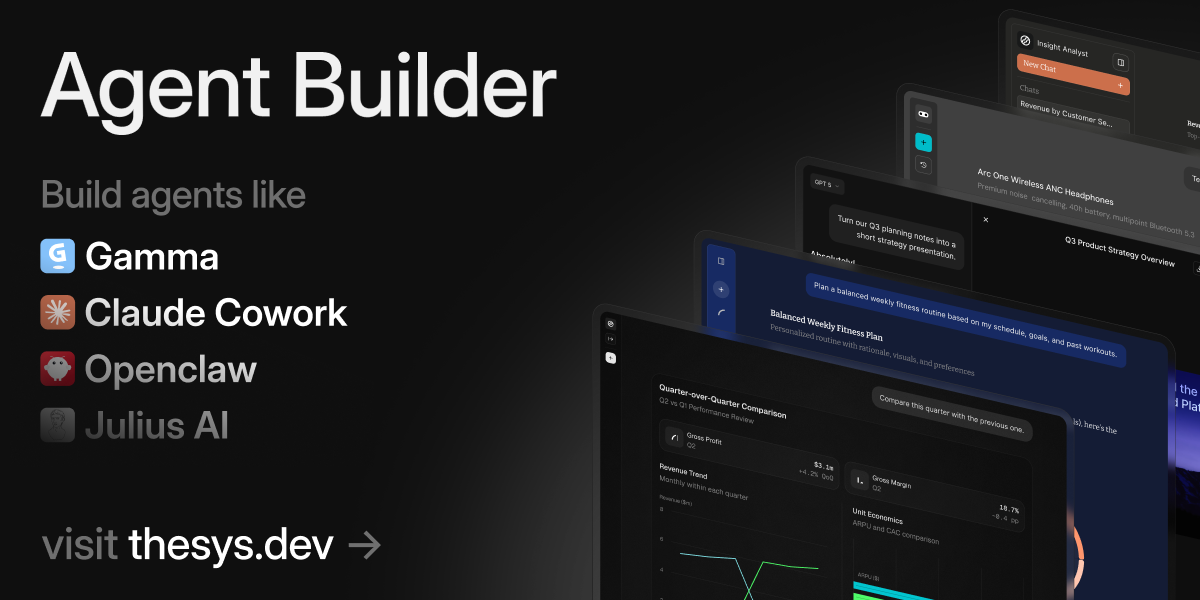
Build AI analytics agents that return charts, tables, slides, and reports instead of text. No workflows, no code.
Most analytics tools force you to set up data pipelines or build dashboards manually.
But with Thesys Agent Builder, you can build a conversational analytics agent in just 3 easy steps:
1. Upload a file or connect a database2. Ask questions in natural language3. Get rich visual insights in the form of charts, tables, slides, and reports instantly
Share the link with your team so anyone can explore, follow up, and generate reports on their own.
📝 Build a Creator-Led Growth Engine
Looking at fast-growing beauty brands, one pattern stands out: creators are not treated as a marketing channel. They are treated as infrastructure.
Instead of relying only on paid ads, these brands embed creators into the entire customer journey. Social proof is not an afterthought. It is the product experience.
Steps to Turn Creators Into Infrastructure
1️⃣ Make Creator Partnerships Systematic
Rather than one-off influencer deals, use structured affiliate systems that track performance and automate payouts. This reduces CAC, accelerates creator onboarding, and ties partnerships directly to revenue, not vanity metrics.
2️⃣ Bring Social Proof On-Site
Do not let user-generated content live only on social platforms. Curate real customer photos and videos into product pages and landing pages. When shoppers see real people using the product, hesitation drops, and confidence rises.
3️⃣ Use Shoppable Video Experiences
Short-form videos should not just entertain. Embed them directly into product pages so browsing becomes interactive. This shortens the gap between inspiration and checkout, especially for mobile-first shoppers.
4️⃣ Close the Social-to-Site Loop
The strongest brands mirror their social presence on their website. The visual style, messaging, and community proof stay consistent from feed to checkout. This continuity builds trust and speeds decisions.
5️⃣ Optimize for Attribution, Not Reach
Track which creators drive real sales, not just engagement. Double down on partners who convert, and treat creator performance like any other acquisition channel.
The Takeaway
Creators are no longer just traffic sources. They are part of the buying journey itself. When social proof is integrated into partnerships, product pages, and checkout experiences, growth compounds. Community becomes conversion, and influence becomes infrastructure.
📝 Replace Expensive Video Editors With Claude Cowork
Clipping short-form videos usually means juggling editing tools, paying for monthly subscriptions, and manually scrubbing through timelines. But Claude Cowork introduces a faster, more automated workflow: generate scroll-stopping clips directly from transcripts and video files stored on your computer.
Instead of editing first and thinking later, you flip the process. You analyze the transcript, identify the strongest hooks, and let Claude handle the heavy lifting locally.
Steps to Generate Video Clips With Claude Cowork
1️⃣ Prepare Your Workspace
Create a new folder on your computer. Add your full video file, a timestamped transcript, and any prompt or SOP documents you want Claude to follow. Keeping everything in one directory ensures Claude has the right context.
2️⃣ Activate Cowork Mode
Open the Claude desktop app, switch to the Cowork tab, and select “Work in a folder.” Choose the folder you just created so Claude can access and process the files directly.
3️⃣ Generate Clip Ideas First
Instead of guessing which moments will perform, prompt Claude to read your main SOP and scaffold the directory. Then ask it to generate 10 scroll-stopping clip ideas based on the transcript. This creates a shortlist before any editing begins.
4️⃣ Select and Process Clips
Review the ideas and tell Claude which clips to generate, such as “Generate clip 1 and 6.” You can refine further with instructions like “Crop clip 1 into a vertical video” to optimize for social platforms.
5️⃣ Add Captions Automatically
If you need subtitle files, install openai-whisper and prompt Claude to generate an .srt transcript file for your video.
The Takeaway
Claude Cowork turns video editing into a structured, transcript-first workflow. Instead of expensive software and manual scrubbing, you get idea generation, clipping, and formatting in minutes, all from one folder on your machine.
We'd love to hear your feedback on today's issue! Simply reply to this email and share your thoughts on how we can improve our content and format.
Have a great day, and we'll be back again with more such content 😍