Create Demand When Others Pause
💡 Reset your Q1 strategy and generate high-quality Instagram visuals automatically

Hello Readers 🥰
Welcome to today's edition, bringing the latest growth stories fresh to your inbox.
If your pal sent this to you, then subscribe to be the savviest marketer in the room😉
In Partnership with Levanta
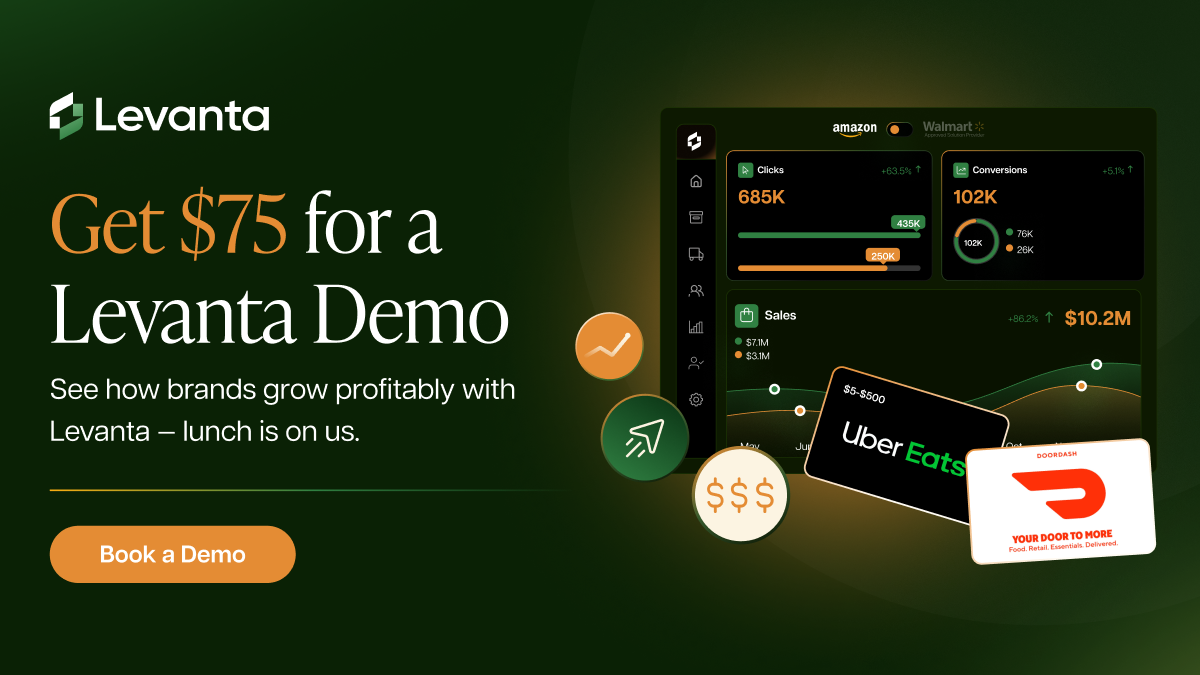
Find the Revenue You’re Missing. Lunch Included.
Most marketplace sellers run affiliates because they’re supposed to.
At month end, almost no one can answer one question: what actually made us money.
Creators drive traffic, marketplaces capture the sale, and you’re left guessing which efforts actually paid off.
Levanta fixes it by turning affiliates into a real performance channel across Amazon and Walmart. You see exactly which creators drove sales, which marketplace converted, and what’s worth scaling again.
With Levanta, sellers can:
- Partner with 50,000+ vetted creators and affiliates
- Track clicks, sales, and ROI with clear analytics
- Amplify what works and stop paying for what doesn’t
- Manage creators, commissions, and payouts across marketplaces with ease
Over 3,000+ marketplace brands use Levanta to drive 274% sales lift, 3× ROAS, and over 73% of sales attributed directly to affiliates.
After that, decisions get obvious. You stop guessing and start scaling with proof.
Qualified sellers who book a demo will receive a $75 Uber Eats or DoorDash gift card. Eligibility confirmed after booking.
📝 Keep Sales Moving After the Holidays
January often feels like a slowdown. Holiday urgency disappears, returns roll in, and many brands instinctively pull back. But the post-holiday period does not have to be a dead zone. With the right strategy, it can become the foundation for a strong Q1.
Steps to Turn the Post-Holiday Slump Into Growth
1️⃣ Reframe Your Message Around a Reset
After the holidays, shoppers shift from gifting to self-improvement. Messaging that focuses on fresh starts, better routines, and long-term value performs better than leftover holiday discounts. Position your product as something that supports progress, consistency, or improvement rather than indulgence.
2️⃣ Clear Inventory With Purpose
January shoppers are value-aware, not bargain-only. Clearance works best when it is intentional. Use limited cleanouts, bundled offers, or bonus gifts to move slower inventory while protecting brand perception. If you gained many new customers in Q4, this is also the right moment to introduce loyalty perks or exclusive offers to encourage a second purchase.
3️⃣ Use Bundles to Increase Commitment
Bundling products into routine-based or bulk offers aligns well with reset behavior. It reframes buying as a smart decision rather than a splurge and helps increase average order value while simplifying choices for the customer.
4️⃣ Launch Something New
Launching in January can be an advantage. Competition is lower, attention is cheaper, and shoppers are actively looking for “what’s next.” Even a small update, limited release, or refreshed version can re-engage holiday buyers and signal momentum.
5️⃣ Stay Visible While Others Pause
Many brands go quiet after December. Staying active gives you a disproportionate share of attention. Consistency in January builds trust and keeps your brand top of mind when others disappear.
The Takeaway
Do not wait for demand to return. Create it. January rewards brands that reset messaging, move inventory with intention, and introduce something new. The brands that stay active after the holidays often start Q1 already ahead.
🖼️ Create High-Quality Instagram Product Feeds with Nano Banana Pro
Want to turn a single product photo into a polished Instagram grid without booking a shoot or hiring a designer? Nano Banana Pro inside Google Gemini makes it possible to generate a full, cohesive product feed in minutes using AI-powered image generation.
Instead of manually staging multiple shots, you can guide the model with one inspiration image and let it produce a complete visual set ready for social media, storefronts, or ads.
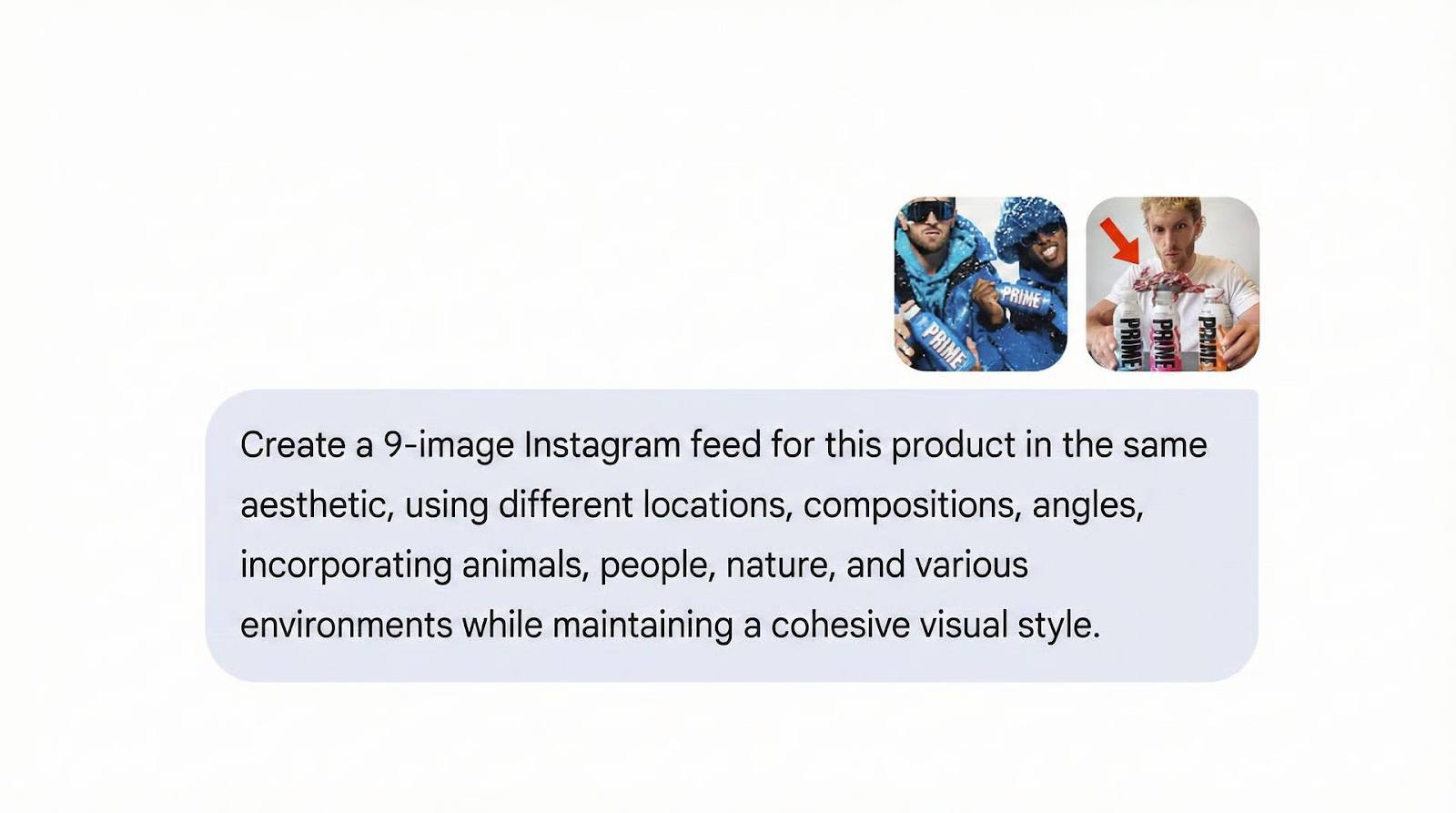
Steps to Create a 9-Image Instagram Feed Using Nano Banana Pro
1️⃣ Open Google Gemini Image Tools
Launch Google Gemini and navigate to Tools → Create Images. Make sure Nano Banana Pro mode is enabled to unlock higher-quality generation and style control.
2️⃣ Upload an Inspiration Image
Start with a reference image that captures the look you want. This could be a lifestyle shot, brand aesthetic, lighting style, or mood. The AI uses this image to understand tone, color, and composition.
3️⃣ Upload Your Product Image
Add your product photo and briefly describe it. Include details like material, color, use case, and brand vibe to help Nano Banana Pro generate accurate visuals.
4️⃣ Generate the Instagram Grid
Use a prompt such as:“Create a 9-image Instagram feed for this product with varied angles, people, and environments.”Nano Banana Pro will generate a complete grid with visual diversity while maintaining consistency.
5️⃣ Refine and Regenerate
Review the outputs. You can ask for regenerated versions, isolate specific shots, or request variations like close-ups, lifestyle scenes, or flat lays.
6️⃣ Download and Publish
Select your favorite images and download them. The visuals are ready to post across Instagram, TikTok, ads, or your brand storefront.
The Takeaway
Nano Banana Pro inside Google Gemini turns product photography into a scalable system. With one reference and one product image, you can create a cohesive, high-end Instagram feed without shoots, designers, or long turnaround times.
We'd love to hear your feedback on today's issue! Simply reply to this email and share your thoughts on how we can improve our content and format.
Have a great day, and we'll be back again with more such content 😍