Chatbots becoming your new salesforce
🤖 Boost conversions with AI chatbots and clean up your finances using Claude

Hello Readers 🥰
Welcome to today's edition, bringing the latest growth stories fresh to your inbox.
If your pal sent this to you, then subscribe to be the savviest marketer in the room😉
In Partnership with Lindy
The Simplest Way to Create and Launch AI Agents and Apps
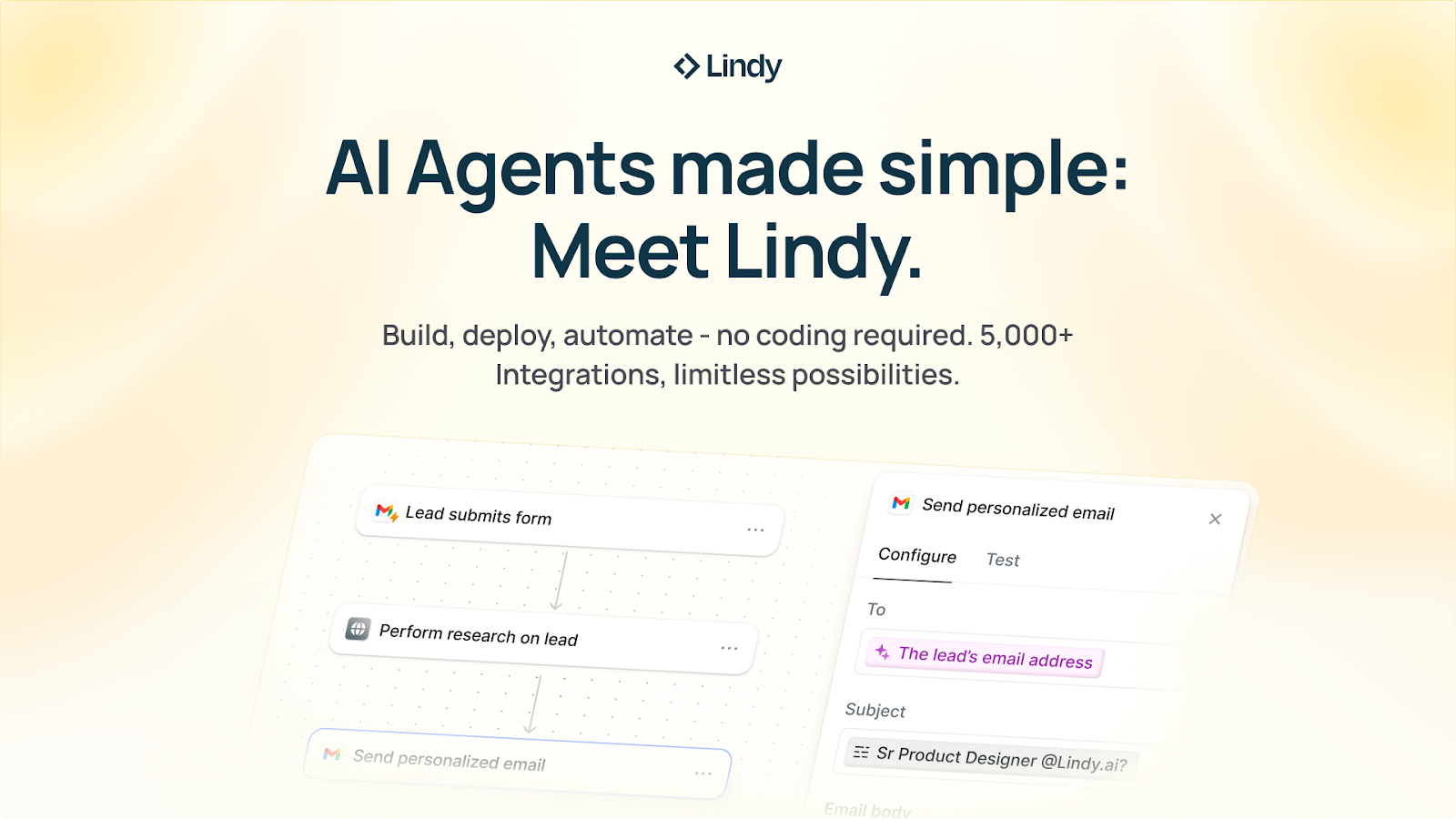
You know that AI can help you automate your work, but you just don't know how to get started.
With Lindy, you can build AI agents and apps in minutes simply by describing what you want in plain English.
From inbound lead qualification to AI-powered customer support and full-blown apps, Lindy has hundreds of agents that are ready to work for you 24/7/365.
Stop doing repetitive tasks manually. Let Lindy automate workflows, save time, and grow your business.
Get $20 free and build your first agent today!
🤖 Turn Chatbots Into Your New Sales Team
AI chatbots are quickly becoming one of the most powerful revenue tools for modern brands. What used to feel robotic and limited has evolved into intelligent assistants that guide shoppers, answer questions instantly, and recover sales that would normally slip away.
As customer expectations rise and attention spans shrink, chatbots now act as always-available sales associates that never go offline. Below is a step-by-step breakdown of how to use chatbots as a conversion engine instead of a simple support tool.
Steps to Transform Chatbots Into Sales Closers:
1️⃣ Understand the Shift in Customer Behavior:
Consumers expect immediate answers. With AI now powering up to the majority of customer interactions, a responsive, conversational assistant can address hesitations the moment they arise. Faster responses mean fewer abandoned carts and more confident shoppers.
2️⃣ Add AI to Your Sales Funnel:
Chatbots can now do far more than FAQs. They can recommend products, explain differences between variations, guide sizing choices, and nudge hesitant buyers toward checkout. When integrated properly, they become active participants in closing sales.
3️⃣ Use Chatbots to Recover Lost Revenue:
One of the highest-impact strategies is automated abandoned-cart outreach. An AI assistant can follow up in real time, offer a small incentive, and guide customers back to complete their purchase. This blends personalization with speed, two essential CRO levers.
4️⃣ Match Your Bot to Your Brand Voice:
A chatbot performs best when it feels human. Give it a tone and personality aligned with your brand so customers feel like they’re interacting with a helpful team member rather than software.
The Takeaway
Chatbots aren’t just support tools; they are a scalable sales team. By integrating them throughout the customer journey, brands convert more visitors, handle more conversations, and grow revenue without adding headcount.
📈 Organize Your Business Finances with Claude
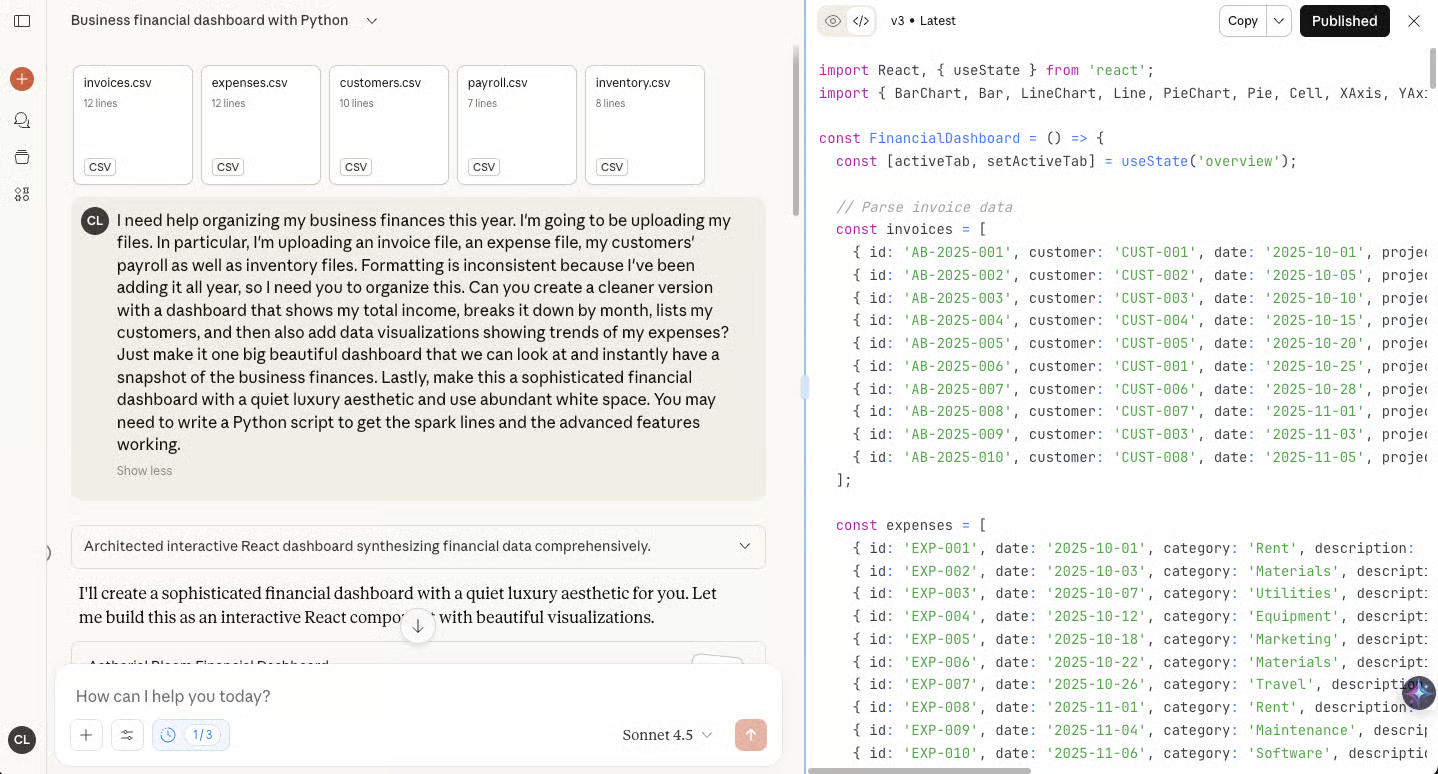
Managing business finances often becomes a chaotic mix of spreadsheets, invoices, and expense files scattered across different folders. Claude now makes it possible to turn that chaos into a clean, visual financial dashboard in minutes. With the right setup, you can transform raw data into polished insights your team can understand at a glance.
Steps to Create a Financial Dashboard Using Claude:
1️⃣ Sign In and Set Up Your Workspace:
Start by logging into Claude and selecting Sonnet 4.5. Enable extended thinking and web search so Claude can process complex financial data and cross-check information. A paid plan is recommended to support larger uploads and more iterations.
2️⃣ Upload Your Financial Files:
Gather documents such as revenue statements, invoices, expense reports, and inventory sheets. Upload them directly and describe your goals: the outcome you want, the structure you prefer, and the style or visual aesthetic for the dashboard.
3️⃣ Generate Your Dashboard:
Claude organizes your data and builds a dashboard featuring revenue, expenses, net profit, and other key metrics. It automatically creates pie charts, bar graphs, and summaries. You can request revisions in natural language, making refinement fast and intuitive.
4️⃣ Add Smart Enrichments:
Ask Claude to enhance your dashboard with new insights. For example, you can prompt: “Add a column showing how many days since each invoice was issued.” Claude updates the calculations and visuals instantly.
5️⃣ Publish and Share with Stakeholders:
Once finalized, click Publish to generate an artifact link. Share it with your team or investors for quick, transparent financial visibility.
The Takeaway
Claude turns messy financial data into clean dashboards without spreadsheets or accountants. For small teams, this becomes a powerful tool to identify profit drivers, reduce waste, and improve decision-making.
We'd love to hear your feedback on today's issue! Simply reply to this email and share your thoughts on how we can improve our content and format.
Have a great day, and we'll be back again with more such content 😍