Buying No Longer Follows Funnels
🔍 How buying really happens today, plus a faster way to ship LinkedIn carousels

Hello Readers 🥰
Welcome to today's edition, bringing the latest growth stories fresh to your inbox.
If your pal sent this to you, then subscribe to be the savviest marketer in the room😉
In Partnership with Insense
HACK: Get 20+ ad variations (per creator) to scale your Q1 ads effortlessly
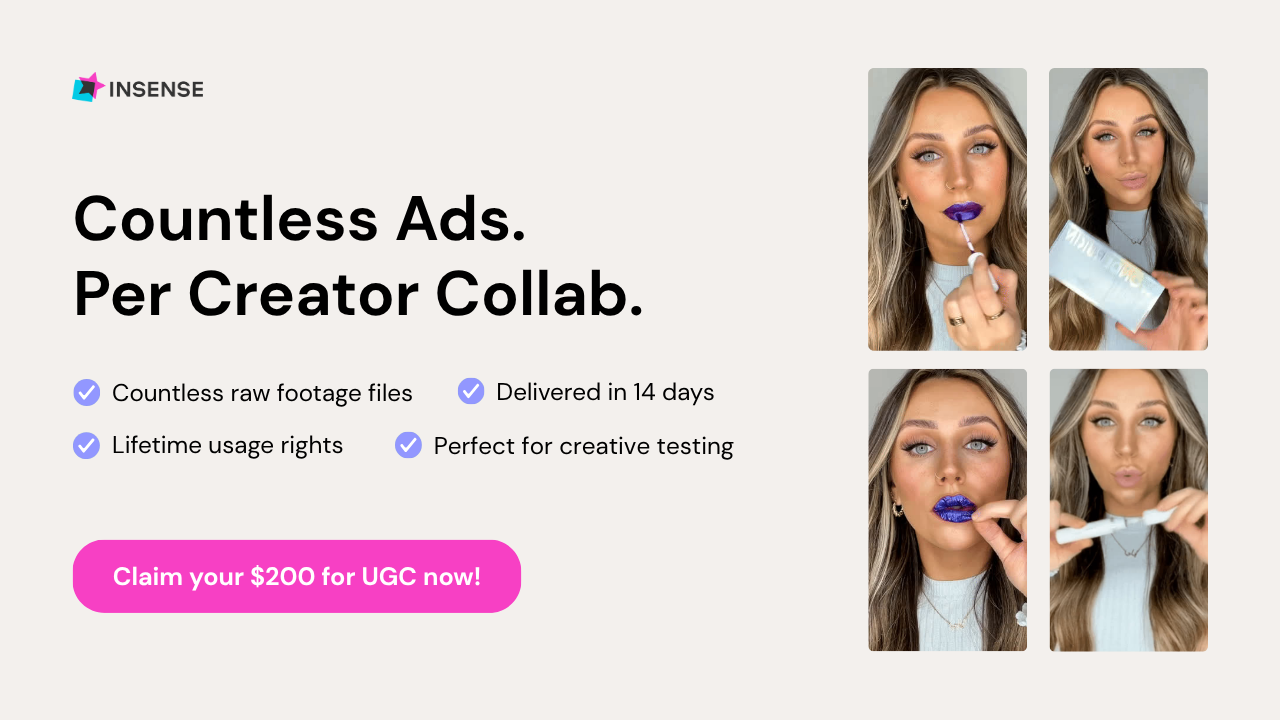
This is the quarter where brands start strong, then performance quietly slips as last quarter’s winners fatigue and CPMs rise again. Doing nothing means wasting January and February spend on creatives that’re already tapped out
This is exactly where Insense saves you. You get fast, affordable UGC at the volume Q1 demands without blowing up your team’s bandwidth.
- 20+ raw assets from each creator you can spin into dozens of variations.
- 14-day turnaround so you never fall behind rising CPMs.
- Lifetime usage rights, so every winning cut keeps earning for months.
- Cost-efficient sourcing that lets you test aggressively
Over 2,000+ brands like Quip, Revolut, and Matys use Insense for one reason: it keeps creative supply high when everything else slows down.
Imagine finishing Q1 with a full folder of fresh ads ready to deploy instead of praying old winners magically revive.
Book a free strategy call by Jan 30th and get $200 for your first campaign.
📝 Build for How People Actually Buy Today
Buying no longer happens in a straight line. The old idea of customers discovering a brand, visiting a website, and converting after a few clicks does not reflect reality anymore. Today, buying decisions are shaped across many touchpoints that exist outside a brand’s direct control. Trust is formed before a customer ever lands on a homepage.
Instead of a funnel, the modern journey looks like a validation loop. A customer might first see a product in a short video, notice it again in a creator roundup, read unfiltered opinions in a forum, ask an AI assistant for comparisons, and only then make a purchase. In many cases, the brand website plays a minimal role until the final step.
This matters because customers are more aware of marketing than ever. Polished testimonials, scripted influencer content, and overly optimized pages are no longer trusted by default. Buyers are actively seeking real signals that feel unscripted and honest.
Steps to Build Trust Across the Validation Loop
1️⃣ Design for Offsite Trust - Assume decisions are happening outside your website. Optimize how your product appears in conversations, creator content, and community discussions.
2️⃣ Build Long-Term Advocates - Focus on real customers who consistently talk about your product. Long-term voices create credibility that one-off promotions cannot.
3️⃣ Listen Where You Cannot Control - Forums and community spaces surface honest objections and confusion. Use these insights to improve messaging and education.
4️⃣ Optimize for Answers, Not Pages - Customers increasingly rely on AI tools for recommendations and comparisons. Ensure your product is clear and easy to explain.
5️⃣ Embrace Imperfect Proof - Mixed reviews feel more trustworthy than perfect ones. Transparency builds confidence faster than polish.
The Takeaway
Modern buying happens inside a multitouchpoint bubble shaped by conversation, validation, and context. Brands that focus solely on search rankings or on-site optimization often overlook where trust is actually built. When you invest in visibility, clarity, and credibility across the entire ecosystem, growth becomes more durable and less dependent on any single channel.
📝 Create High-Performing LinkedIn Carousels in Minutes
LinkedIn carousels remain one of the most effective formats for reach, saves, and profile growth. The challenge is not knowing what to post, but how to turn ideas into clean, professional slides without bouncing between writing tools and design software. ChatGPT’s Canva integration removes that friction by letting you handle strategy, copy, and design in one place.
Instead of drafting copy in one tool, pasting it into another, and manually formatting slides, you can now go from idea to finished carousel in a single flow. This makes carousel creation faster, more consistent, and easier to repeat.
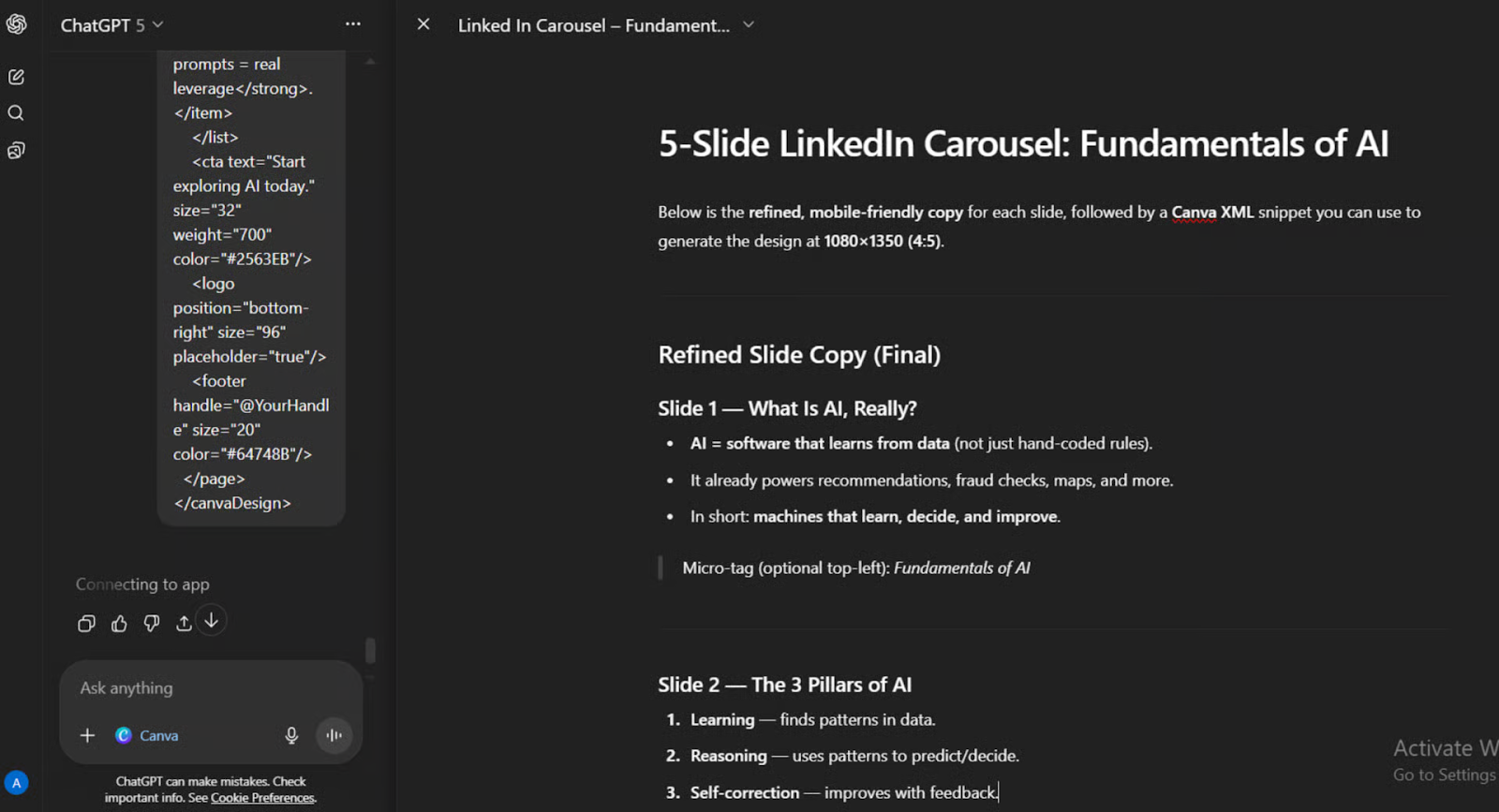
Steps to Create LinkedIn Carousels Using ChatGPT and Canva
1️⃣ Draft the Carousel Structure
Start a new chat and open Canvas. Prompt ChatGPT to write a carousel with a clear structure: one hook slide, several value slides, and a final call-to-action. Keeping each slide under 40 words ensures clarity and readability on LinkedIn.
2️⃣ Refine the Copy in Canvas
Use Canvas to tighten hooks, simplify language, and ensure each slide delivers one clear idea. This is where you polish flow and messaging before design begins.
3️⃣ Activate Canva for Design
Once the copy is ready, prompt Canva directly to create a multi-slide LinkedIn carousel using the exact text. Specify your visual style clearly, such as minimal, bold, modern, or brand-led. The integration generates multiple design options automatically.
4️⃣ Preview and Select a Design
Review the design variations ChatGPT produces. Choose the one that best matches your brand or content tone, then open it directly in Canva for full editing control.
5️⃣ Make Final Adjustments
Inside Canva, tweak spacing, colors, or visuals if needed. You can quickly swap layouts or fine-tune alignment without rebuilding anything from scratch.
6️⃣ Export for LinkedIn
Download the carousel as a PDF for LinkedIn documents or PNG files for individual slide posts.
The Takeaway
By combining content creation and design in one workflow, ChatGPT with Canva turns carousel creation into a repeatable system. What once took hours can now take minutes, making it easier to publish consistently and maintain a strong visual presence on LinkedIn.
We'd love to hear your feedback on today's issue! Simply reply to this email and share your thoughts on how we can improve our content and format.
Have a great day, and we'll be back again with more such content 😍