Boost Signups With Smart Pop Ups
✨ Optimize your email capture flow plus turn ChatGPT into your private tutor

Hello Readers 🥰
Welcome to today's edition, bringing the latest growth stories fresh to your inbox.
If your pal sent this to you, then subscribe to be the savviest marketer in the room😉
In Partnership with Khaki
All newsletter, no noise.
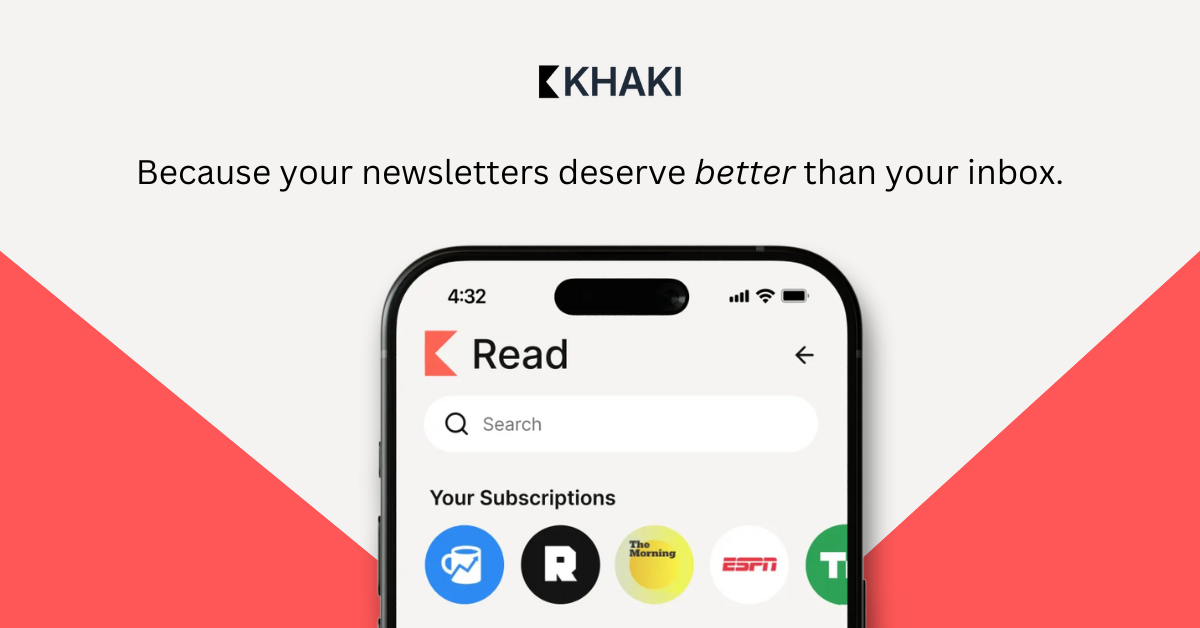
We hear constant complaints from readers about their inbox chaos and the inability to find the newsletters they’re actually looking for, including ours.
Recently, we were introduced to Khaki, a free app that solves for this. It strips away all the unnecessary content and features, so you can enjoy reading the content you’re subscribed to without distractions, to create the ultimate reading experience.
We’ve been liking it so much that we want you to have early access too.
Sign up with your Gmail and code NEWSLETTER to try the beta today!
📝 Optimize Your Email Pop-Up for Higher Conversions
A high-converting pop-up is more than a discount code. It is a blend of clear incentives, strong messaging, and polished design. When crafted intentionally, it becomes one of the most powerful tools for growing your email list and warming new customers. Here is a breakdown of what works and what to refine based on lessons from a recent pop-up teardown.
What This Pop-Up Gets Right
Clear incentive and strong copy:
A bold 20 percent offer immediately communicates value. Phrasing the headline as a question and answering it in the CTA adds personality and creates a conversational tone that resonates with younger audiences.
Casual and friendly voice:
The email and SMS capture steps use simple prompts like “What is your email address?” and “Want SMS offers too?” This keeps friction low. Adding a product photo at the email stage also reminds users what they stand to gain, reinforcing the reward.
How to Improve Conversions Even Further
Use visuals to support the product:
The astronaut theme is fun, but visuals should tie directly to what you sell. Including product shots or lifestyle images can strengthen clarity and relevance.
Tease long-term value:
Beyond the initial discount, highlight ongoing benefits such as exclusive drops, loyalty rewards, or early access. This shifts the subscriber mindset from a one-time interaction to an ongoing relationship.
Polish the details:
Small errors like misspellings can reduce trust. Thorough QA across devices helps ensure your pop-up feels credible and professional.
The Takeaway
A strong pop-up is clear, polished, and product-centred. When you combine an attractive offer, friendly tone, and clean design, you turn a simple sign-up form into a consistent conversion driver that attracts higher-intent customers.
🧠 Learn Any Skill Faster with AI Tutoring
Learning becomes exponentially easier when you have a tutor who guides you step by step, checks your reasoning, and adapts to your skill level. With the new Study and Learn mode, you can now turn ChatGPT into your personal tutor for any subject, from programming to finance to problem-solving.
Instead of giving direct answers, it teaches you how to think through challenges, helping you build deeper understanding and confidence.
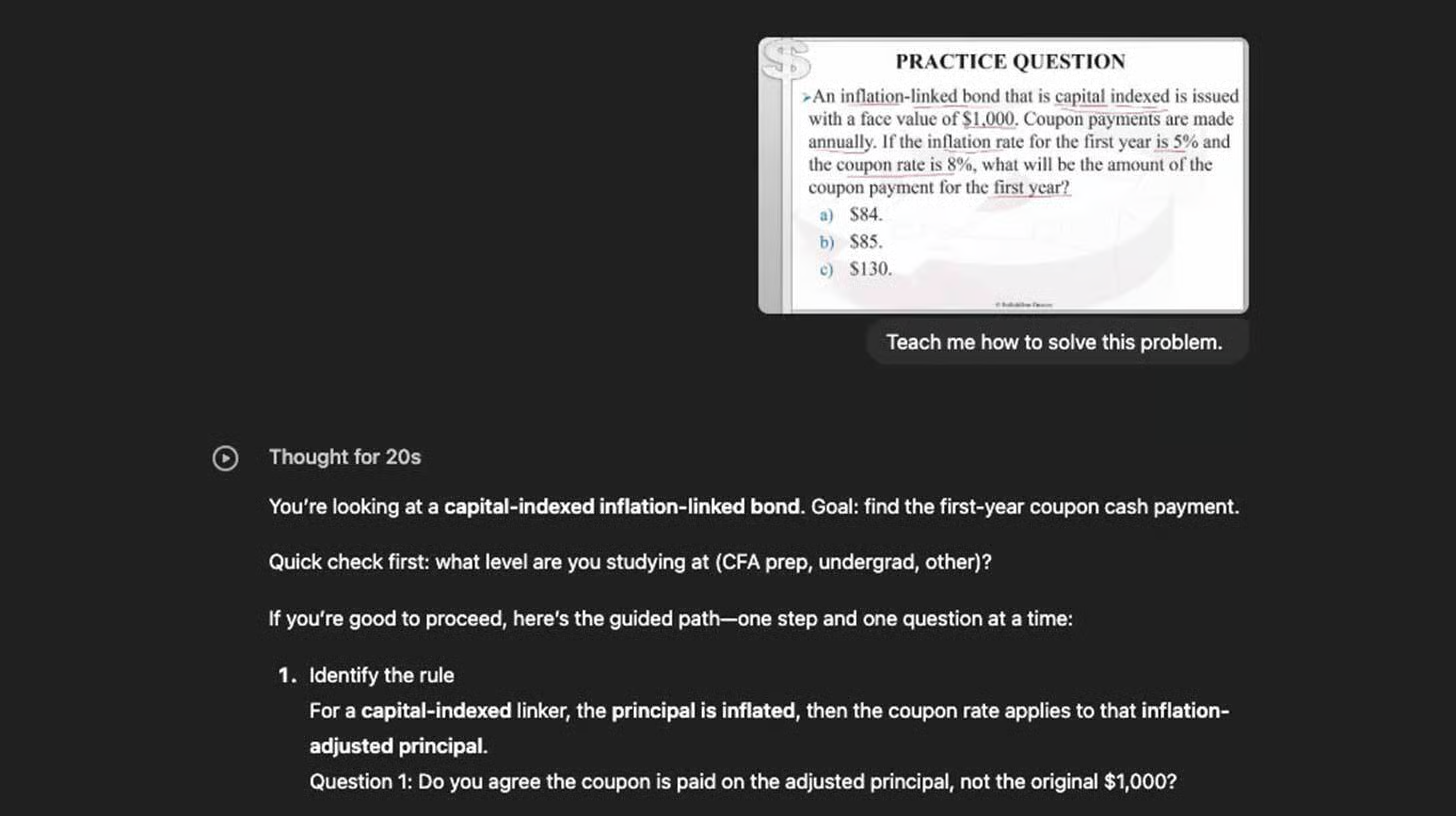
Steps to Learn Any Topic Using AI Tutoring
1️⃣ Activate Study and Learn Mode
Open ChatGPT, click the “+” icon in the chat bar, select “More,” and choose the Study and Learn option. This switches the system into a tutoring-first mindset where it focuses on guiding rather than solving.
2️⃣ Share Your Learning Goal
Describe what you want to learn in simple language. Examples include: “Teach me Python from scratch.” “Help me understand balance sheet adjustments.” “Guide me through a physics problem step by step.” The model asks clarifying questions to understand your level, learning style, and current gaps.
3️⃣ Follow the Step-by-Step Guidance
Instead of giving answers outright, the tutor nudges you with questions, explains concepts gradually, and reviews your reasoning. This approach mirrors real-life tutoring, helping you build problem-solving skills and long-term retention.
4️⃣ Deepen Understanding Through Interaction
Ask follow-up questions, request examples, or ask for the concept in simpler words. The mode is designed to adapt, offering hints, analogies, or practice prompts as needed.
5️⃣ Switch Modes When Needed
If you need quick facts, summaries, or content generation, switch back to Regular mode. Study and Learn is ideal for comprehension, not speed.
The Takeaway
Study and Learn mode turns AI into a personalized tutor that meets you at your level and teaches you how to think, not just what to answer. Whether you’re learning a new skill, preparing for exams, or mastering complex problems, this guided approach helps you learn faster and retain more.
We'd love to hear your feedback on today's issue! Simply reply to this email and share your thoughts on how we can improve our content and format.
Have a great day, and we'll be back again with more such content 😍