Audit Your Reels For Replays
🔁 How to boost Instagram replays, then build a complete brand kit with AI

Hello Readers 🥰
Welcome to today's edition, bringing the latest growth stories fresh to your inbox.
If your pal sent this to you, then subscribe to be the savviest marketer in the room😉
In Partnership with Semrush
The Data’s Clear. Here’s How E-commerce Actually Changed.
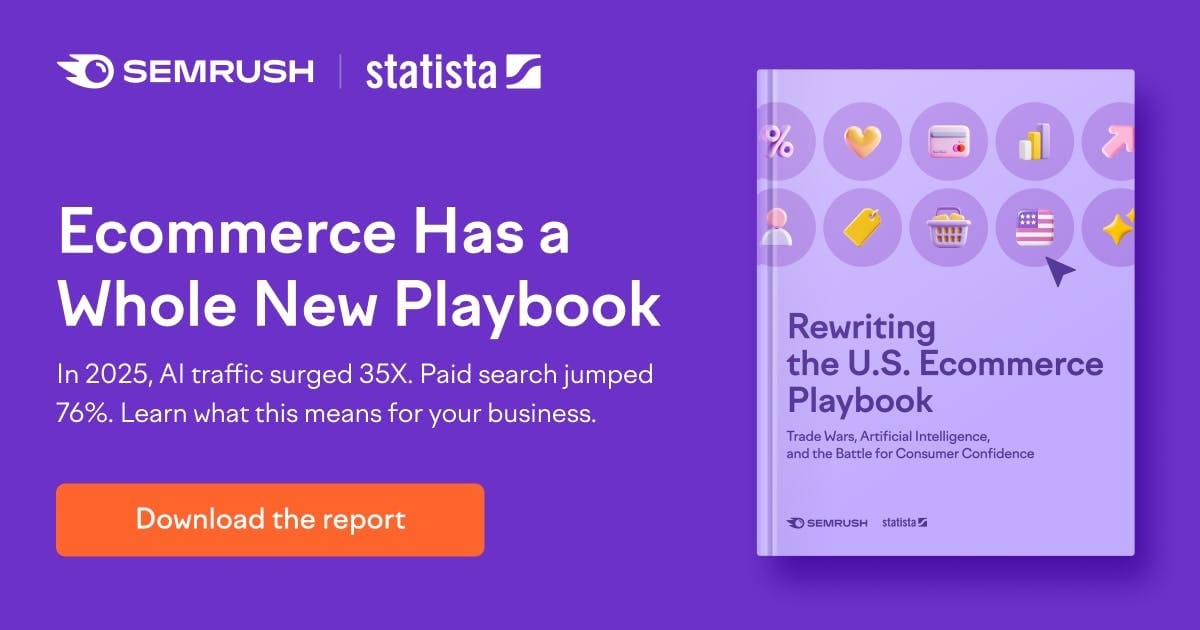
The Semrush × Statista 2025 Ecommerce Report analyzed billions of visits and sales signals across 190 markets, and the data points to a full reset in how people buy, click, and convert.
Here’s what’s reshaping marketing playbooks right now:
• Video-led landing pages convert 42% higher than static ones; attention now drives trust.• 46% of shoppers buy from the first brand they click, making recall a revenue lever.• AI-generated shopping queries are growing 8× faster than organic.
These shifts are reshaping the fundamentals: tariffs redirecting traffic, U.S. retailers gaining share, and paid search reclaiming top performance.
Download the full playbook to see what these shifts mean for your marketing strategy.
💰 Instagram’s Algorithm Now Favors Replays
If your Instagram reach has dipped recently, it is not a coincidence. The platform quietly shifted what it rewards. Replays are now one of the strongest engagement signals, outranking saves, shares, and comments.
Those older metrics are easy to game. Replays are not. When someone watches a video again, it signals genuine interest and more time spent on the platform. That is exactly what the algorithm wants to amplify.
This change has big implications for e-commerce brands trying to grow organically.
Steps to Create Rewatchable Instagram Reels:
1️⃣ Design for the Replay
Stop thinking about views as the goal. Start thinking about repeat views. Content that feels satisfying to watch twice is more likely to be pushed to non-followers and scale over time.
2️⃣ Use Short Loop Formats
Seven-second loop videos outperform longer Reels because they naturally replay. When the ending flows directly back into the opening, viewers often rewatch without realizing it. This small format shift can dramatically increase replay rate and organic reach.
3️⃣ Make the Loop Feel Seamless
Plan your ending first. The last frame should visually or verbally connect to the first frame so the transition feels intentional, not abrupt. Seamless loops feel rewarding and invite another watch.
4️⃣ Add Pattern Interrupts
Your brain is wired to notice when something feels slightly off. Subtle visual disruptions like small glitches, unexpected framing, or intentional imperfections can cause viewers to pause and rewatch to confirm what they saw. These microsurprises break scroll behavior and increase replays.
5️⃣ Audit Your Recent Reels
Look at your last ten posts and identify which ones earned higher replay counts. Reverse engineer why they worked. Was it the pacing, the loop, or the visual surprise?
6️⃣ Optimize for Non-Follower Reach
Rewatched content is more likely to be shown to new audiences. The more your videos invite a second watch, the faster your organic growth compounds.
The Takeaway
Instagram is rewarding attention that lasts. If you want to grow again, stop chasing every metric and focus on one thing: creating content people want to watch twice.
🎨 Create a Full Brand Kit With AI
Most brand kits take weeks because teams jump straight into design without locking the fundamentals. The faster approach is to start with clarity, then generate assets in a consistent sequence: define the brand, create one core asset, outline the rest, then build slide by slide.
This workflow helps you generate a complete brand kit PDF, logo variations, and reusable social templates customized to your business, audience, and guidelines using a single prompt pattern.
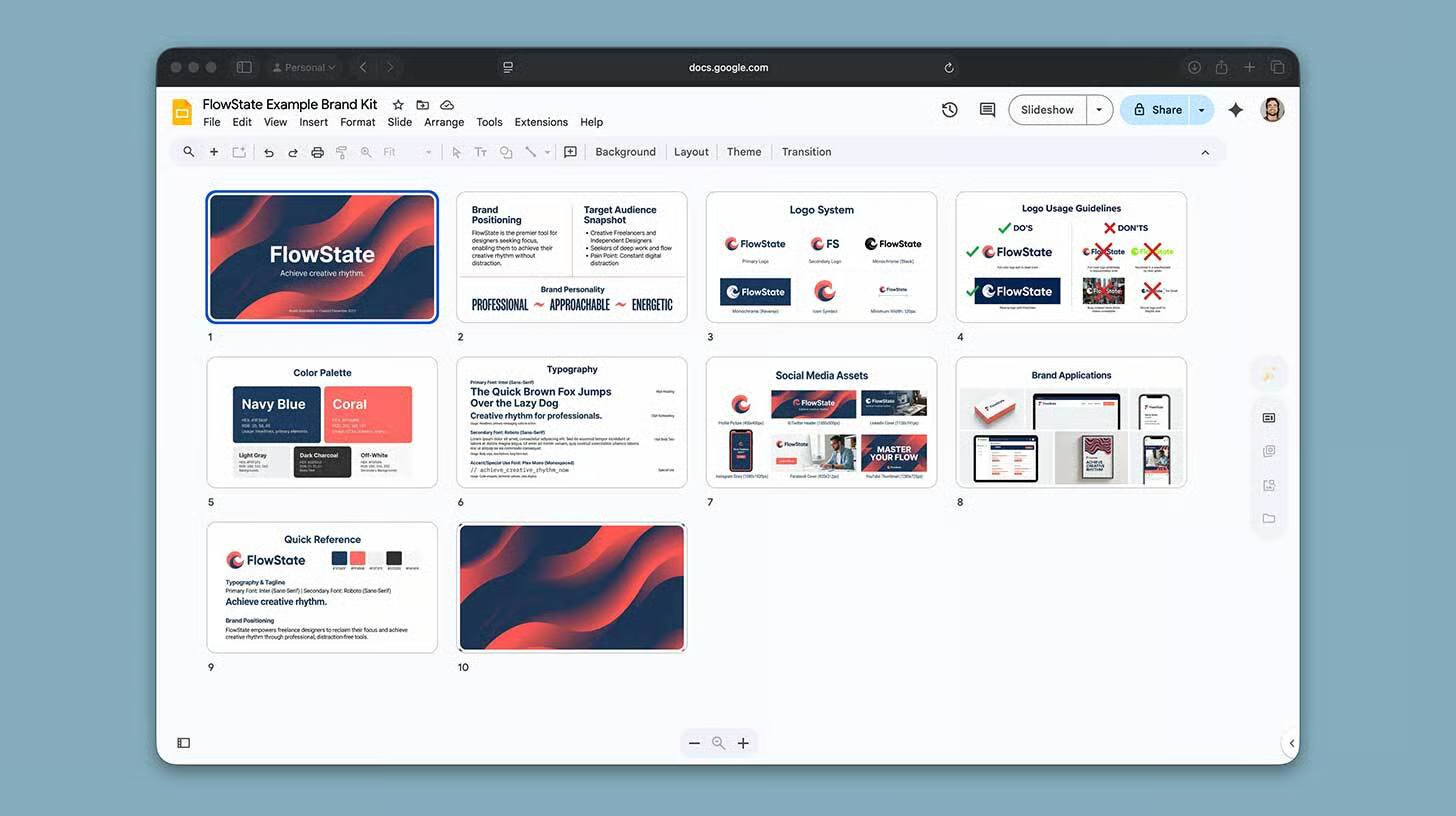
Steps to Create a Brand Kit:
1️⃣ Start With an Interview Prompt
Open AI Studio and ask for a complete brand kit. Include your business name, a one-sentence description, your target customer, and pain point, and three personality adjectives. Then ask the model to interview you with three to five questions and suggest tagline ideas. This ensures your kit is built on strategy, not vibes.
2️⃣ Answer and Lock the Foundation
Reply with clear answers. Confirm your positioning, voice, and any nonon-negotiablesike colors you must avoid or industries you want to look different from. The more specific you are, the more consistent the output will be.
3️⃣ Generate Logo Options in a Grid
Next, request four logo options in a two-by-two grid. Choose the strongest direction and request a full system of variations: secondary logo, monochrome black and white, and icon only.
4️⃣ Build the Brand Kit Deck One Slide at a Time
Prompt the tool to generate the logo system slide first. Then ask it to outline the remaining slides, such as colors, typography, spacing rules, imagery style, voice guidelines, and example applications. Generate each slide one at a time to keep the quality high.
5️⃣ Create Social Templates
Ask for a small set of templates, such as quote post, announcement, carousel cover, and testimonial layout. Keep them aligned with your typography, spacing, and color rules.
6️⃣ Assemble and Export
Drop everything into Google Slides, tidy spacing and hierarchy, then export the final deck as a PDF.
The Takeaway
Consistency comes from sequence. Use the pattern interview first, generate one asset, outline the rest, then build one slide at a time. You will get a clean brand kit faster and avoid redesign loops.
We'd love to hear your feedback on today's issue! Simply reply to this email and share your thoughts on how we can improve our content and format.
Have a great day, and we'll be back again with more such content 😍